Manufacturing Invoice Automation: 8 Powerful Steps to Master (2026)
Imagine this: Your procurement team is knee-deep in month-end close, sifting through countless supplier invoices for raw materials. Implementing Manufacturing Invoice Automation is the ultimate way to transform this burden into a seamless process. Instead of dedicaring hours every week to manual entry, you can now use an AI invoice to Excel converter to enhance productivity while ensuring accuracy.
What is Manufacturing Invoice Automation?
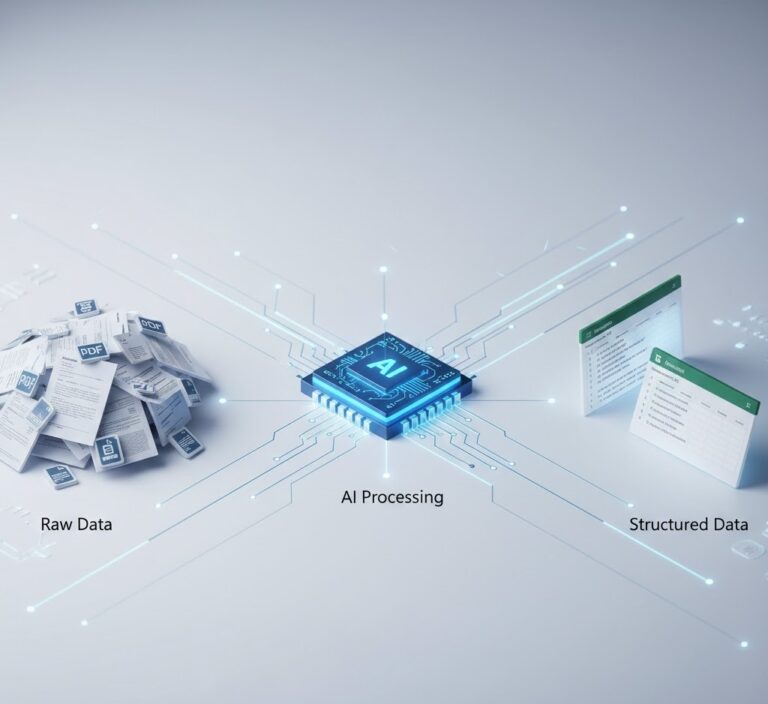
Manufacturing Invoice Automation is a software solution designed to automate the extraction of data from various document types including parts invoices and bank statements. This innovation removes the reliance on tedious manual processes and enables the streamlined management of financial documents in a factory environment.
Why this problem matters in the industry
In the financial world, manual processing is a significant bottleneck. According to ISO, a slight accuracy error in data entry can lead to financial discrepancies that impact reporting and audits. Automating this process with an AI-powered solution not only embraces technological advancements but also meets industry demands for rapid turnaround times and precision. This shift towards automation is critical as organizations seek to optimize their accounts payable processes and enhance operational efficiency.
Manual vs. automated workflow
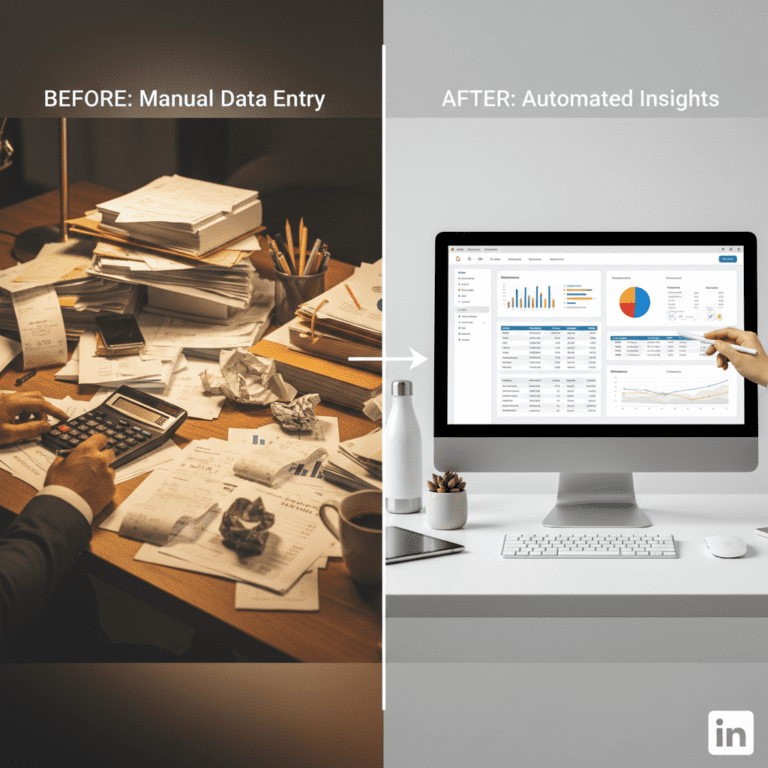
Before automation (Manual workflow)
- Time-consuming entries: Staff spend hours tracking down and manually entering data from invoices, which can stretch close times unnecessarily.
- Human error: Manual data entry is prone to mistakes, increasing the risk of audits getting flagged and financial reporting errors.
- Document handling challenges: Processing mixed layouts and multi-page documents can lead to inconsistent data organization.
- Lack of real-time visibility: The reliance on manual methods can delay insights into cash flow and spending.
After automation (Improved workflow)
- Time saved: An AI invoice to Excel converter can reduce data entry time from hours to mere minutes, accelerating month-end close processes.
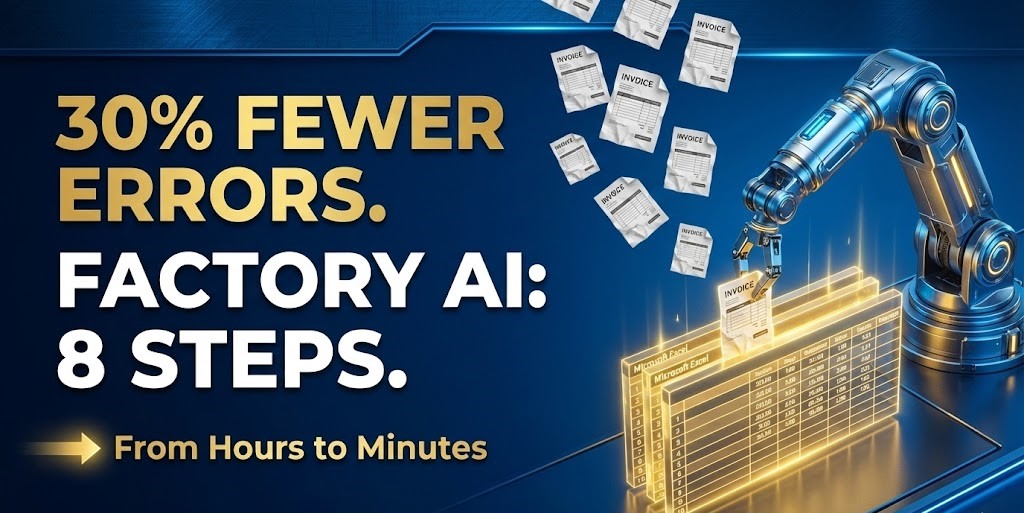
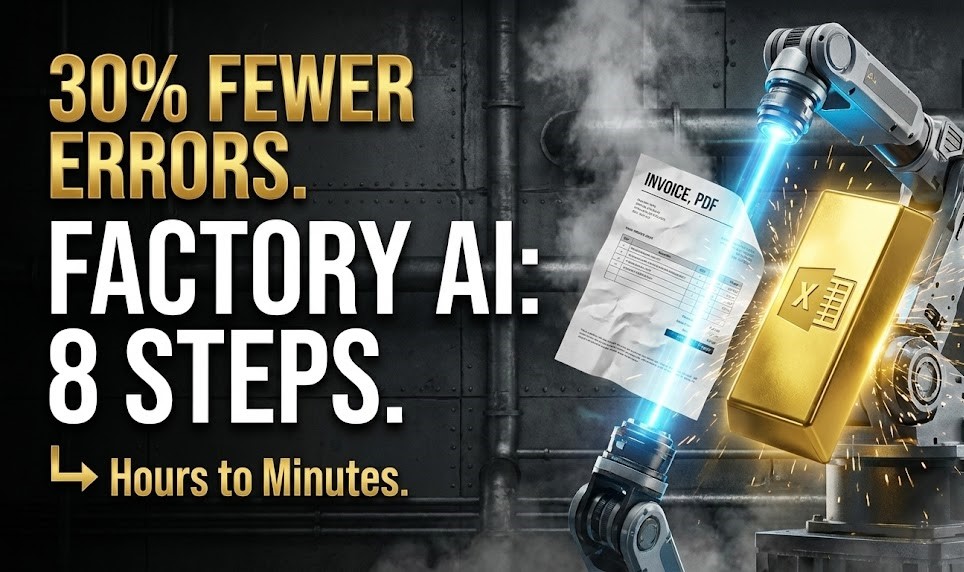
- Error reduction: Automated data extraction enables up to a 30% decrease in errors, ensuring data reliability.
- Seamless document processing: The AI tool can adeptly manage multi-page invoices and different layouts without manual intervention.
- Enhanced audit trails: Consistent columns and normalized output enhance the quality of data available for audits.
How Manufacturing Invoice Automation Works in Practice
Implementing this workflow with Parserdata involves several systematic steps:
Step 1: Upload multi-page invoices—PDF or image—into the system for processing.
Step 2: The AI automatically detects mixed layouts and scans for relevant manufacturing data.
Step 3: Key data points such as SKU numbers, vendor names, and totals are extracted.
Step 4: The Manufacturing Invoice Automation tool handles multi-page documents ensuring no data is overlooked.
Step 5: Extracted data is normalized into structured columns for easy analysis.
Step 6: Preview the structured output for validation before exporting.
Step 7: Export organized data into Excel for integration into your ERP (like SAP or Oracle).
Step 8: The completed process results in an audit-friendly file ready for further operations.
Case Study: AutoGear Manufacturing’s Efficiency Gain
AutoGear Manufacturing, a leading automotive parts supplier, was struggling with a 10% error rate in manual invoice entry. By implementing our Manufacturing Invoice Automation workflow, they achieved a 30% decrease in errors and reduced data entry time from hours to mere minutes. This transformation allowed their finance team to accelerate month-end close processes and reclaim 10 hours a week for strategic inventory planning.
Common mistakes to avoid
- Skipping training for staff: Ensure team members are familiar with the AI tool’s capabilities.
- Not validating extracted data: Always check that the data extracted matches the original documents.
- Ignoring data security: Implement safeguards for sensitive financial information.
- Overestimating automation: Recognize that while automated tools reduce workload, some oversight is still necessary.
- Failure to integrate with existing systems: Ensure the AI tool can seamlessly integrate with your current accounting workflows.
Best practices
- Regularly update the AI tool to utilize the latest features and enhancements.
- Train employees on best practices for reviewing extracted data.
- Create a standard operating procedure (SOP) for troubleshooting issues in data extraction.
- Maintain a secure backup of all documents processed to protect against data loss.
- Leverage insights gained from extracted data to improve vendor relationships and cash flow outcomes.
In a bustling office, the stark contrast is evident between an overwhelmed employee struggling with heaps of invoices and another effortlessly managing organized data on a portable device. The transformation from chaos to streamlined efficiency is not just a dream; it’s a reality achievable with an AI invoice to Excel converter.
If you want to elevate your invoice processing and operational efficiency, check out Parserdata today. This advanced tool simplifies data entry, significantly enhancing productivity and reducing the risk of human error in your finance processes.
FAQ about Manufacturing Invoice Automation
Q1: How does an AI invoice to Excel converter work?
A: The AI invoice to Excel converter automates the extraction of key data from financial documents using advanced machine learning algorithms, resulting in structured Excel files ready for analysis.
Q2: What are the benefits of using an AI invoice to Excel converter?
A: Benefits include saving time on data entry, reducing errors, improving data organization, and providing clear audit trails, all of which enhance operational efficiency.
Q3: Can the AI invoice to Excel converter integrate with my existing systems?
A: Yes, many AI invoice to Excel converters are designed to seamlessly integrate with various ERP and accounting systems, enabling smooth data flow.
Q4: What is the expected ROI when implementing an AI invoice to Excel converter?
A: Organizations can expect a substantial return on investment from increased efficiency, reduced processing times, fewer errors, and lower labor costs associated with manual data entry.
Disclaimer: All comparisons in this article are based on publicly available information and our own product research as of the date of publication. Features, pricing, and capabilities may change over time.