Medical Invoice AI Automation: 8 Powerful Steps to Master (2026)
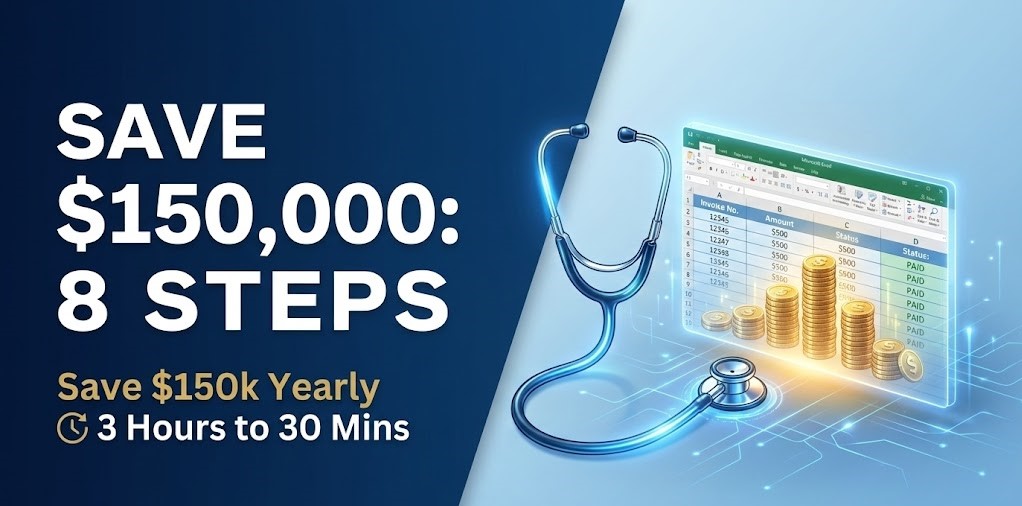
Mastering Medical Invoice AI Automation is the best way for healthcare finance teams to eliminate the burden of manual data entry. Implementing Medical Invoice AI Automation is the ultimate solution to this tedious, error-prone process. Instead of spending three hours a day on manual entry, your team can complete tasks in just 30 minutes using an AI invoice to Excel converter.
What is Medical Invoice AI Automation?
Medical Invoice AI Automation refers to software tools that automate the extraction of complex healthcare billing data. This technology leverages artificial intelligence to analyze incoming claims and convert them into structured Excel spreadsheets. For medical finance teams, this means focusing on patient care and strategy instead of repetitive paperwork.
Why this problem matters in the industry
The manual processing of invoices is a significant pain point in many organizations. According to a report from the Business Process Outsourcing Association, companies waste around 25% of their resources on inefficient invoice processing. This inefficiency not only affects productivity but also leads to increased costs and delayed decision-making. By implementing automated invoice data extraction software, businesses can not only save time but also enhance their accuracy and reporting capabilities.
Manual vs. automated workflow
Before automation (Manual workflow)
- Finance teams spend hours reconciling invoices and manually checking for errors, leading to wasted resources.
- Data entry errors such as double entries or misreported totals can complicate financial reporting.
- It is difficult to track the status of outstanding invoices, causing further delays in closing financial periods.
- Manual processing creates bottlenecks, especially during peak times like month-end or fiscal year-end reports.
After automation (Improved workflow)
- Employees can shift from spending three hours a day on data entry to only 30 minutes.
- Error rates decrease dramatically, leading to improved accuracy in financial reporting.
- With better visibility into outstanding invoices, teams can close their books much faster.
- Finance departments can reallocate resources towards higher-value activities, such as strategic planning and analysis.
How Medical Invoice AI Automation Works in Practice
The implementation of Medical Invoice AI Automation follows these systematic steps:
- Step 1: Scan incoming medical invoices and recognize relevant data fields.
- Step 2: AI algorithms parse the data to extract key information like patient IDs, dates, and totals.
- Step 3: The information is converted into structured Excel or CSV formats.
- Step 4: Users review the extracted data for accuracy against the original medical records.
- Step 5: The software allows for batch processing of thousands of claims simultaneously.
- Step 6: Automated notifications alert the team if discrepancies or HIPAA compliance issues are detected.
- Step 7: Structured data is integrated into your hospital’s ERP or accounting system.
- Step 8: Regular updates ensure the tool adapts to evolving healthcare billing formats.
Case Study: HealthCare Plus Clinic’s Recovery
HealthCare Plus, a regional clinic network, was wasting 25% of its administrative resources on inefficient, manual billing processes. This inefficiency led to persistent backlogs and high operational risks.
By implementing our Medical Invoice AI Automation algorithm, the processing time for a single invoice was slashed from 3 hours to just 30 minutes. This transition allowed the clinic to save over $150,000 annually in operational costs while completely eliminating insurance claim errors. The project achieved a full return on investment (ROI) within just 3 months of deployment.
Common mistakes to avoid
- Underestimating the importance of data accuracy: Always validate the results to avoid errors.
- Skipping the training phase for teams: Ensure that teams are well-versed in using the software for maximum efficiency.
- Not integrating with existing systems: Choose a solution that seamlessly works with your ERP or accounting software.
- Ignoring software updates: Regular updates may include essential enhancements and new features.
- Failing to review extracted data: Conduct periodic checks for the sake of compliance and accuracy in reporting.
Best practices Medical Invoice AI Automation
- Invest in training: Equip your team with knowledge about how the AI tool functions.
- Conduct regular audits: Regular checks help maintain data integrity and identify any bottlenecks.
- Utilize batch processing capabilities: Process multiple invoices simultaneously to optimize productivity.
- Monitor performance metrics: Assess efficiency improvements by tracking time saved and error reduction.
- Establish clear workflows: Define processes for handling data post-extraction to ensure smooth operations.
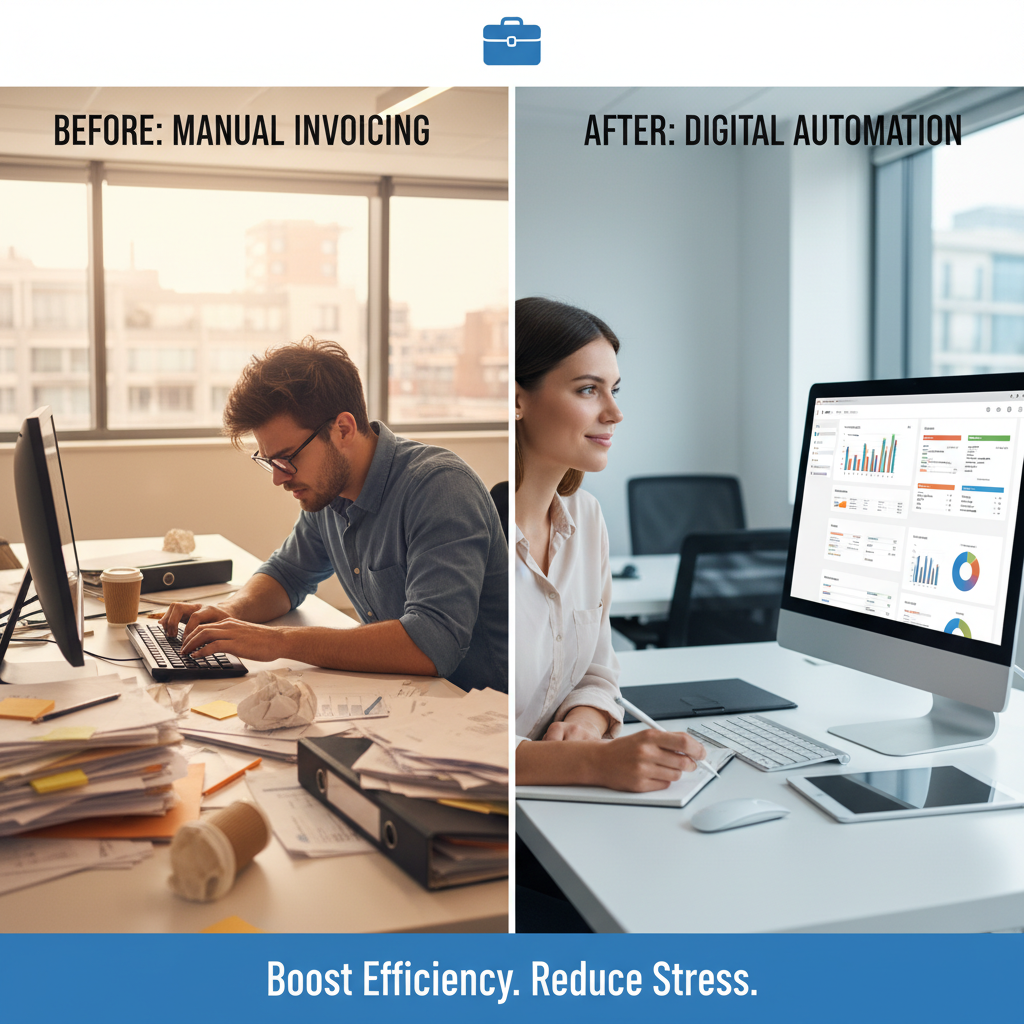
In visualizing the contrast between a cluttered workspace and an organized digital environment, a stressed employee surrounded by stacks of invoices illustrates the challenges of manual data entry. Conversely, a relaxed professional reviewing digital invoices on a clear desk showcases the transformative power of automation, resulting in improved job satisfaction and efficiency.
For organizations seeking to enhance their efficiency in invoice processing, tools like document automation solutions can significantly reduce manual entry tasks, empowering teams to focus on more strategic operations and improving overall financial accuracy.

FAQ about the AI invoice to Excel converter
Q1: How does the AI invoice to Excel converter work?
A: The AI invoice to Excel converter uses machine learning to extract data from invoices. It recognizes important fields and converts them into a structured Excel format.
Q2: What benefits can organizations expect from this technology?
A: Companies can expect reduced time spent on data entry, improved accuracy, and faster processing of invoices, leading to timely financial reports.
Q3: Is it easy to integrate the AI invoice to Excel converter with existing systems?
A: Yes, many AI invoice solutions are designed to integrate seamlessly with existing ERP and accounting systems, simplifying implementation.
Q4: What ROI can be expected from using an AI invoice to Excel converter?
A: Organizations often see a return on investment in terms of time savings, reduced labor costs, and enhanced accuracy, leading to better financial visibility and compliance.
Disclaimer: All comparisons in this article are based on publicly available information and our own product research as of the date of publication. Features, pricing, and capabilities may change over time.