Restaurant Invoice Automation: 8 Powerful Steps to Master (2026)
Imagine it’s the end of the month, and your restaurant manager is buried under a mountain of food and beverage invoices. Sorting through multi-page PDFs to extract crucial details can consume hours, delaying payments. Thankfully, with Restaurant Invoice Automation, extracting dates, vendors, and totals can be done in just 30 minutes per batch.
What is Restaurant Invoice Automation?
Restaurant Invoice Automation stands at the forefront of efficiency in the hospitality industry. It revolutionizes how operations teams extract data from supplier receipts and bank statements. By using an AI-powered invoice parser for finance teams, you eliminate manual copy-pasting, making processing faster and less error-prone.
Why this problem matters in the industry
The accounts payable process is critical for maintaining positive vendor relationships and ensuring financial health. According to a study by the Institute of Finance and Management (IOFM), over 60% of AP professionals state that their biggest challenge is managing invoice documentation. This can lead to stalled payments, vendor penalties, and an increased burden on finance teams—a detriment that hinders productivity. Optimizing this workflow with an AI-driven solution like Parserdata can streamline operations, making invoicing efficient, effective, and environmentally friendly.
Manual vs. automated workflow
Before automation (Manual workflow)
- Finance teams often face overwhelming workloads with scattered invoices that require manual entry and careful scrutiny.
- Data entry is riddled with errors, including typos and miskeyed information, resulting in financial discrepancies.
- Processing multi-page documents can take an entire day, delaying payments and causing issues with vendor relations.
- The lack of standardized processes leads to inconsistent audit trails, making compliance a nightmare.
After automation (Improved workflow)
- Teams report a significant time reduction processing can be accomplished in approximately 30 minutes per batch.
- With up to a 75% reduction in manual entry errors, financial accuracy improves dramatically.
- Faster month-end closing processes lead to enhanced cash flow management and timely payments to vendors.
- Audit trails are auditable and normalized, with consistent columns making it easy to track transactions.
How Restaurant Invoice Automation Works in Practice
Implementing this solution with Parserdata involves several intuitive steps:
- Step 1: Upload multi-page invoices PDFs or scanned images into the system.
- Step 2: The parser employs advanced OCR technology to extract text from varied layouts.
- Step 3: Identify key data points like vendor names, totals, and VAT automatically.
- Step 4: Organize extracted data into structured, standardized columns for review.
- Step 5: Download the output in Excel format for direct import into your ERP.
- Step 6: Double-check the data for 100% accuracy.
- Step 7: Send the structured data through your usual financial workflows.
- Step 8: Enjoy improved reporting and oversight with normalized output.
Case Study: TastyChain’s Profit Recovery
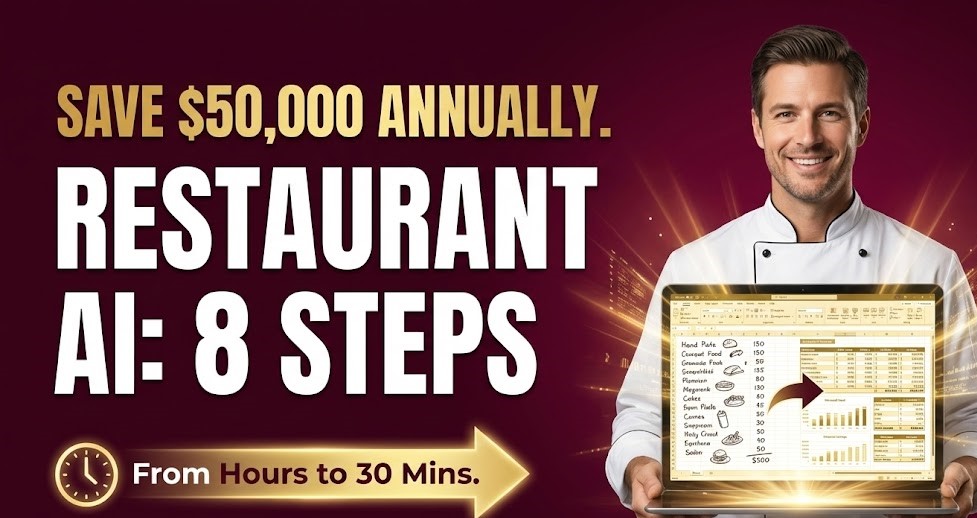
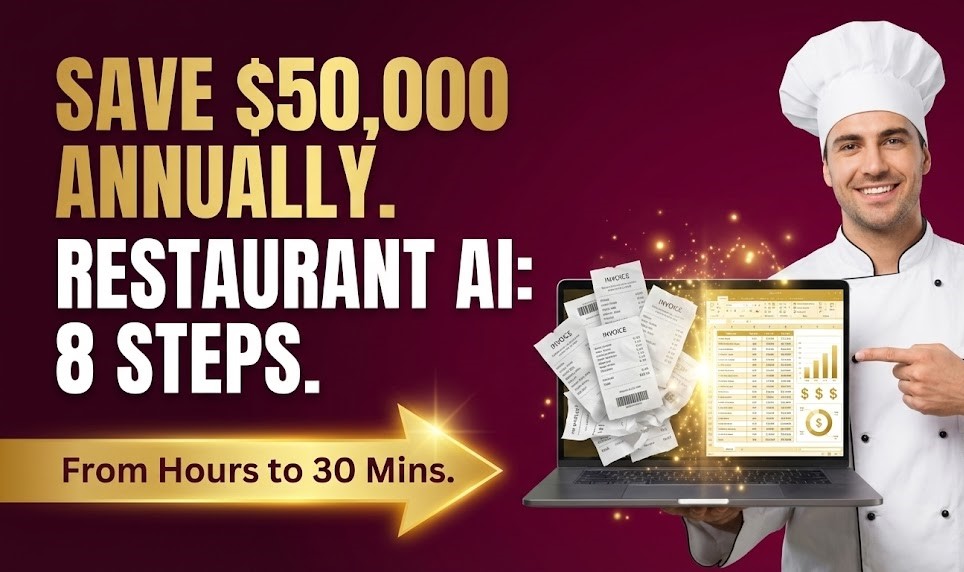
TastyChain, a growing restaurant group with 20 locations, was struggling with manual entry of daily food deliveries. By implementing our Restaurant Invoice Automation workflow, they cut processing time to just 30 minutes per batch. This led to a 75% reduction in manual errors and saved the group over $50,000 annually in operational costs, achieving full ROI within the first quarter.
Common mistakes to avoid
- Ignoring the power of automation sticking to manual processes can lead to inefficiency.
- Overlooking the importance of data validation always ensure extracted data is reviewed.
- Failing to train staff on new technology effective implementation requires user understanding.
- Neglecting to regularly audit your processes the AI’s accuracy improves with ongoing use.
- Relying too heavily on templates, which hinders adaptability to varied document formats.
Best practices
- Integrate the AI parser with existing financial systems to streamline processing further.
- Establish clear guidelines for data validation after extraction.
- Encourage team members to engage with training programs for maximum benefit.
- Utilize analytics tools to monitor performance and refine processes over time.
- Regularly communicate with vendors regarding invoicing formats to reduce confusion.
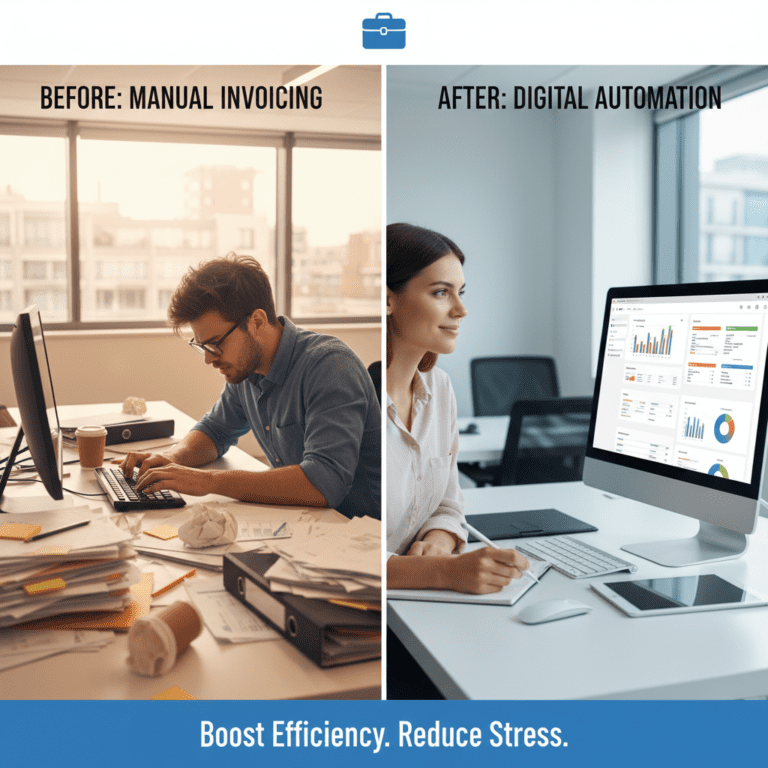
Picture a world where a chaotic desk filled with scattered invoices is transformed into a neat workspace, with a screen displaying organized data in an Excel sheet. This shift from chaos to clarity is not only achievable but essential for enhancing operational efficiency in finance.
If you’re ready to revolutionize your accounting practices, visit Parserdata today. Discover how our AI-powered invoice parser can save your finance team time and reduce errors by automating data extraction.
FAQ about the Restaurant Invoice Automation
Q1: How does an AI-powered invoice parser for Restaurant Invoice Automation?
A: The system uses advanced algorithms to read and extract key data from invoices and convert it into structured formats like Excel.
Q2: What challenges can automated invoice data extraction solve?
A: It addresses issues like slow processing times, high error rates, and inconsistent audit trails, ultimately streamlining the accounts payable process.
Q3: How can an AI invoice parser be integrated into existing workflows?
A: Most solutions provide straightforward file upload features, easy configuration options, and seamless integration capabilities for ERP systems.
Q4: What are the expected ROI and benefits of implementing an AI invoice parser?
A: Businesses can see a quick return on investment by saving time, reducing costs associated with manual errors, and enhancing operational efficiency.
Disclaimer: All comparisons in this article are based on publicly available information and our own product research as of the date of publication. Features, pricing, and capabilities may change over time.