Logistics Invoice Automation: 4 Powerful Steps to Save Time & Money
Renovating Logistics Accounts Payable: Introduction
Implementing logistics invoice automation is no longer a luxury; it is a necessity for firms looking to stop the silent profit killer of manual data entry. Modern AI tools are transforming how transportation firms handle high-volume billing, ensuring compliance and speed. This guide explores how AI-driven invoice data extraction provides better financial control and more efficient processes. According to a recent IFM research report, invoice processing automation significantly reduces hidden operational costs.

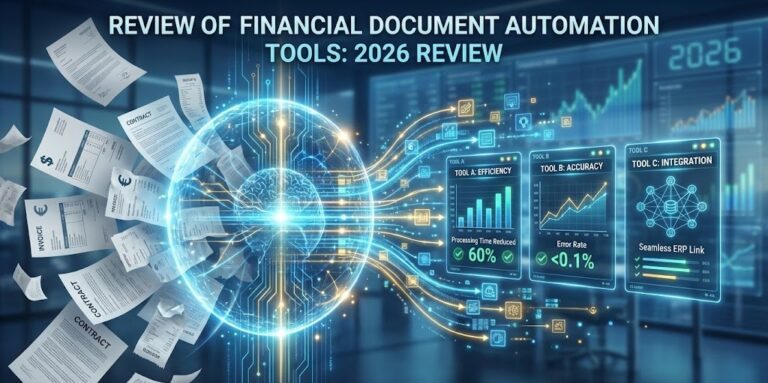
Automation reduces time, cost, and errors compared to manual invoice handling, making it an essential tool for modern logistics companies.
The Hidden Crisis in Logistics Accounts Payable (AP)
Managing a constant flow of bills is a major operational hurdle. The root of the problem lies in the volume and diversity of documents. With hundreds of carriers, freight forwarders, and suppliers on a single supply chain, AP departments are often overwhelmed by thousands of non-standard forms.
The ripple effects of slow manual processing include:
- Strained Relationships: Delayed payments to carriers can stall shipment movements and damage partnerships.
- Financial Leakage: Missing out on early-payment discounts directly impacts bottom-line profitability.
- Operational Bottlenecks: Approval cycles drag on when logistics managers are in the field or warehouses without access to paperwork.
- Budget Blind Spots: Inaccurate data leads to ineffective real-time freight cost auditing and poor budget control.
Why Traditional Automation Fails: OCR vs. AI
Most firms first try template-based systems or basic Optical Character Recognition (OCR). However, logistics invoices from fuel surcharges to detention fees—rarely follow a standard layout.
| Feature | Traditional OCR | AI-Driven Platforms |
| Flexibility | Requires specific templates for every vendor. | Understands context regardless of layout. |
| Logistics Data | Struggles with accessorial charges (detention, etc). | Easily identifies complex, industry-specific fields. |
| Effort | High manual correction rate. | Near-perfect accuracy with minimal oversight. |
| Format Support | Mostly native PDFs. | Handles native PDFs, scans, and even smartphone photos. |
Key Takeaway: Unlike OCR, which merely “sees” text, AI understands the contextual relationships between data points. This is why logistics invoice automation using AI handles even non-standard layouts with ease, recognizing a “Total Amount” whether it’s at the top, middle, or bottom of a page.
Would you like me to draft a brief “Getting Started” checklist for your team to use during their first week of implementing AI automation?
| Feature | Parserdata (AI) | Traditional OCR | Standard ERP Modules |
| Accuracy | 99% (Context-aware) | 60-70% (Template-based) | Varies |
| Setup Time | Minutes (No-code) | Weeks of training | Months of integration |
| Freight Charges | Detects fuel & detention | Struggles with extras | Manual entry required |
| Reliability | High for messy scans | Only for clean PDFs | Medium |
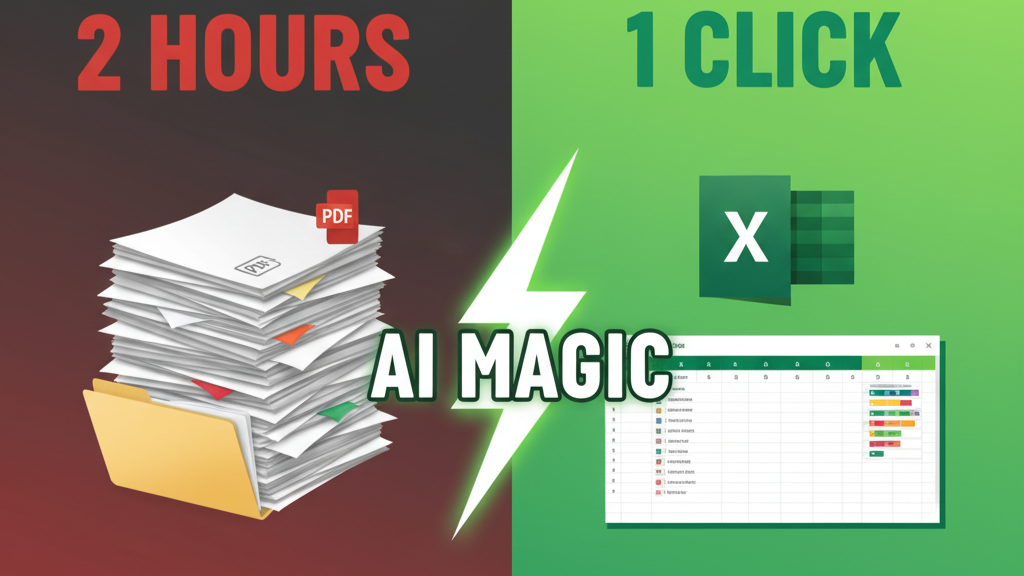
No matter your industry, manual entry is a bottleneck. Watch how AI converts complex invoices to Excel in one click 👇
Core Benefits of Logistics Invoice Automation
Implementing logistics-specific AP automation offers measurable advantages for controllers and operations managers:
- 75% Reduction in Admin Costs: Automating the data lifecycle frees your finance team from “keyboard work,” allowing them to focus on high-value financial analysis.
- Precision Job Costing: By extracting line-item details from every invoice, you gain granular insights into where money is being spent across different job stages and cost codes.
- Enhanced Cash Flow: Faster processing ensures you can take advantage of vendor discounts and maintain a healthy credit rating.
- The Paperless Leap: Moving to a virtual workflow eliminates the physical chaos of paper files, making audits and document retrieval instant and painless.
Ready to Automate Your Financial Data Extraction?
There’s no complex setup. Begin document processing immediately with your complimentary allocation.
Retaining “business-as-usual” manual procedures is a direct threat to a logistics firm’s resilience. Advanced AI technology is the cornerstone of logistics invoice automation, transforming your AP department from a back-office cost center into a strategic asset that provides real-time financial control.
How to Master Logistics Invoice Automation in 4 Steps
The transition from paper to digital is designed for immediate deployment without complex setups:
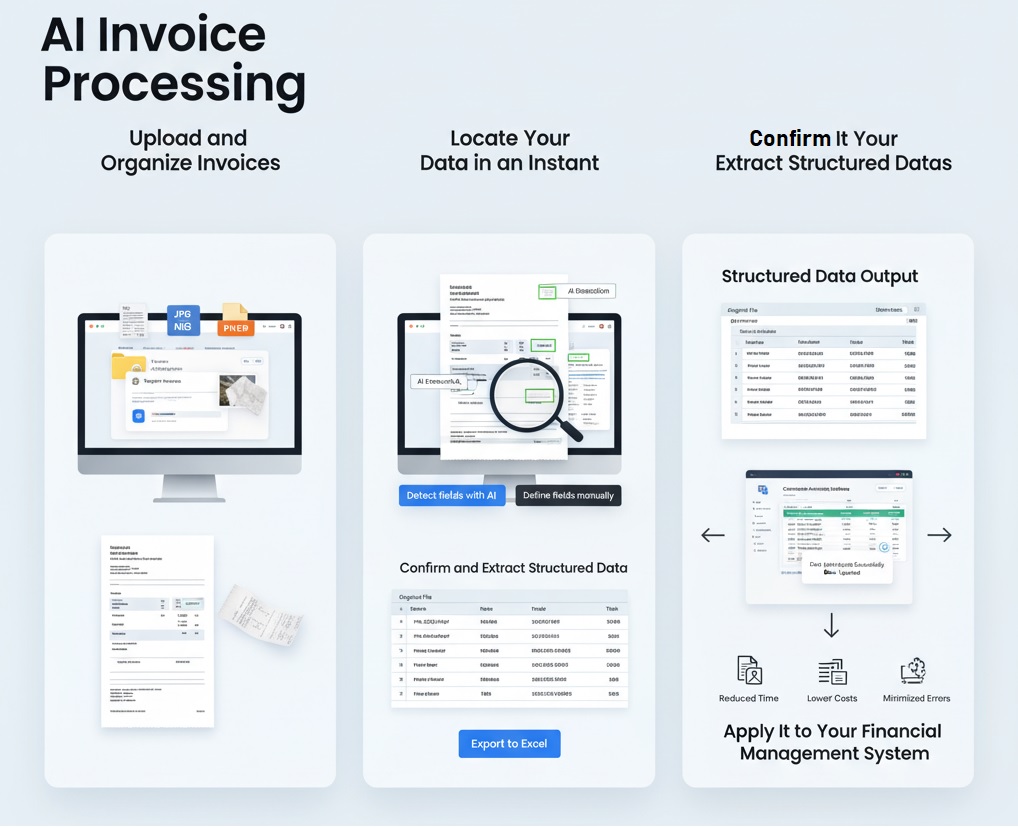
- Step 1: Upload and Organize Invoices. Assemble your invoices digitally. Our platform handles everything from original supplier PDFs to smartphone photos of receipts taken directly on the job site.
- Step 2: Instant AI Data Extraction. Use the “Detect fields with AI” option. The system intelligently scans the document to find complex data points like retention values, tax IDs, and specific line items for job costing.
- Step 3: Confirm and Verify Structured Data. Within minutes, receive a structure Excel or CSV file. To make auditing easy, every extracted data row is linked back to the original source file name.
- Step 4: Seamless ERP Integration. Import the normalized data directly into your accounting software (Procore, Sage, or 1C). This eliminates manual entry and ensures your project budgets are updated in real-time.
Conclusion: Building a Faster Future
Retaining “business-as-usual” manual procedures is a direct threat to a logistics firm’s resilience. AI-driven data extraction transforms your AP department from a back-office cost center into a strategic asset that provides real-time financial control.
Would you like me to create a comparison chart of the top AI invoice processing tools specifically for the Logistics industry to help you choose the right one?
FAQ: Invoice Processing Automation in Logistics
1. Why is manual invoice processing a problem for logistics firms?
– Manual data entry is considered a “silent profit killer” because it is slow, laborious, and highly prone to errors.
– Inefficiencies lead to delayed payments to carriers, which can damage key relationships and stall project progress.
– Slow processing often results in missed early-payment discounts and a lack of real-time visibility into project budgets.
2. How does AI-driven automation differ from traditional OCR?
– Traditional OCR (Optical Character Recognition) is often template-based and requires standardized invoice layouts to function effectively.
– AI-driven platforms useQualitatively different technology to understand the context of a document, identifying fields like “Total Amount” regardless of their position.
– Modern AI is flexible enough to handle the non-standardized forms common in logistics, whereas OCR typically increases workloads due to constant exception handling.
3. Can the system handle logistics-specific data like fuel surcharges or detention?
Yes, modern AI automation is engineered to recognize and extract intricate points like fuel surcharges, purchase order numbers, and detailed accessorial line items.
4. What types of files can be processed?
– The system supports mixed-format documents, including native PDFs, scanned paper copies, and images of receipts photographed on-site.
– Supported file formats include PDF, JPG, PNG, and WEBP.
5. What are the primary business benefits of implementing this technology?
– Cost and Time Savings: Administrative expenses can be reduced by up to 75%, and invoice processing cycles can be shortened from 90 days to under 30 days.
– Improved Accuracy: High-fidelity data extraction eliminates the risks of human errors, such as double payments or misplaced vendor information.
– Precision Job Costing: Accurate extraction of detailed line items provides granular insights into project spending across different stages and cost codes.
– Paperless Workflow: Moving to a virtual workflow simplifies document search, tracking, and auditing.
6. How do I integrate the extracted data into my accounting system?
– The system delivers structured data in a normalized Excel or CSV format.
– Data is delivered in normalized Excel or CSV formats, designed for easy import into major logistics and accounting programs like SAP, Oracle, or Microsoft Dynamics.
Disclaimer: All comparisons in this article are based on publicly available information and our own product research as of the date of publication. Features, pricing, and capabilities may change over time.