The Best AI Invoice Scanning Software (2025 Guide)
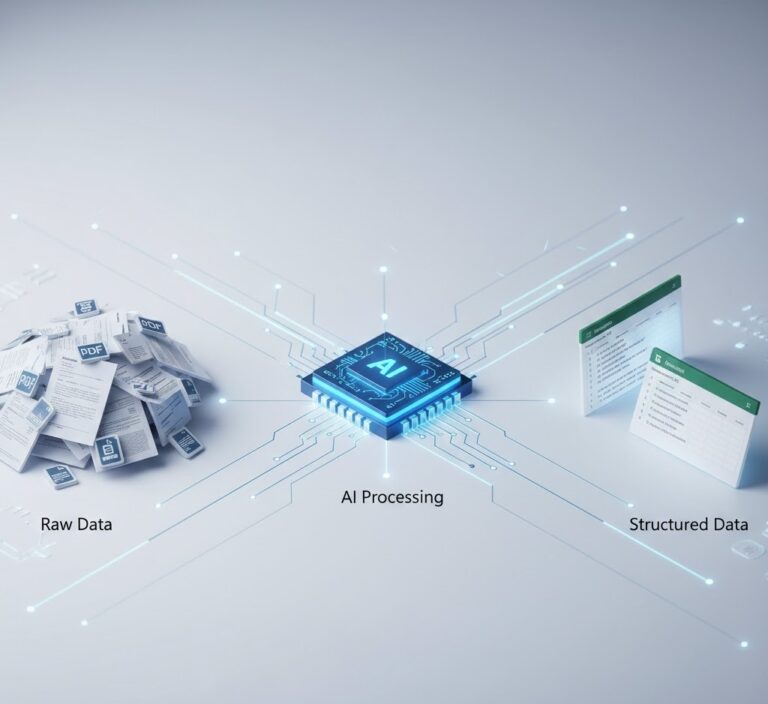
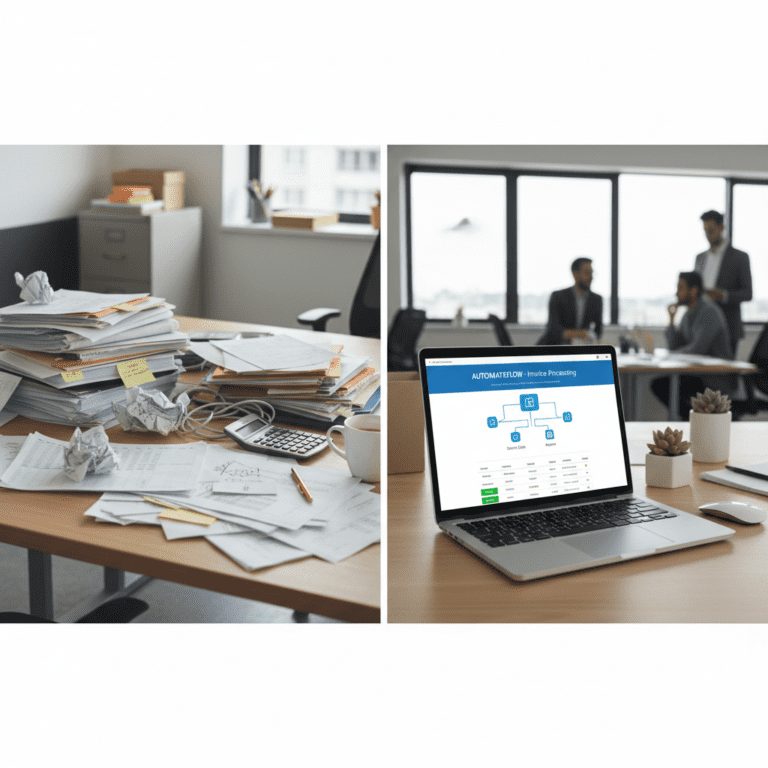
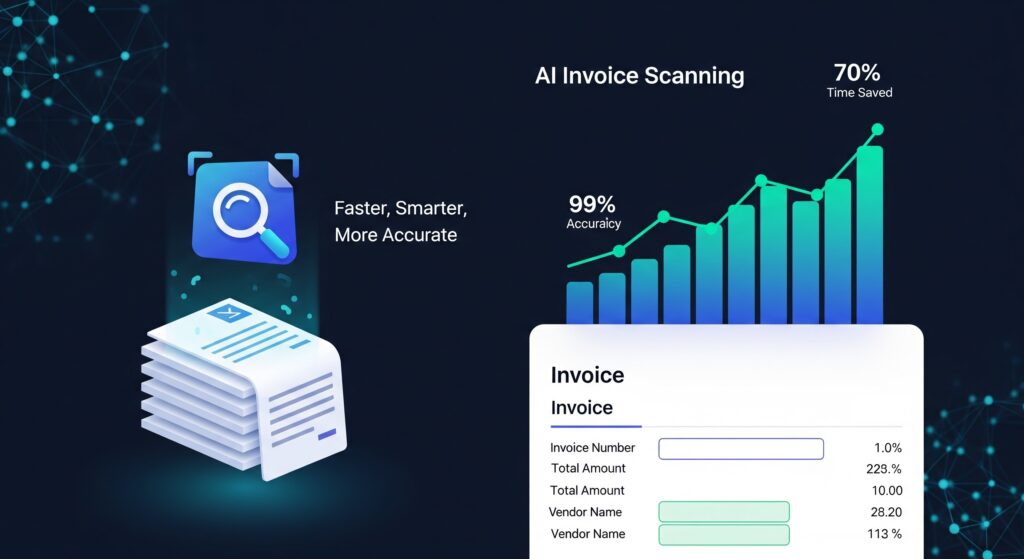
AI invoice scanning software helps businesses process invoices faster, smarter, and more accurately while reducing manual work. Manual entry of invoices takes time and brings error. AI invoice scanning software solves these inefficiencies by automating the extraction. Companies adopting AI invoice scanning software experience fewer errors and faster processing times. Traditional OCR software reads characters but ends up losing context. This does not happen with AI-based invoice scanning software. The software extracts fundamental fields like invoice numbers, dates, and sums from files. This it does for any format and offers clean, well-structured data for your accounting system. According to a Deloitte report on automation trends, AI invoice scanning software is among the most impactful tools for finance teams.
Why AI Invoice Scanning Software Is Essential for Modern Businesses
The OCR process is a primitive one. The text gets extracted but not the meaning. The need for templates for each provider makes it restrict the team.
The next item is AI invoice recognition. It is aware of context. It does not confuse an invoice date with a due date. It processes sums, tax fields, and vendors without special settings.
How AI Invoice Recognition Works
The technology employs two fundamental technologies:
- Computer Vision. Detects invoice layout, paragraphs of text, and tables
- Machine Learning. Trained on thousands of real bills to read data.
They combine their technology to read documents as a human would but quicker. The end result is accurate invoice data extraction at scale.
Ready to Automate Your Financial Data Extraction?
There’s no complex setup. Begin document processing immediately with your complimentary allocation.
Benefits of AI Invoice Scanning software
• Greater precision. Errors decrease as software comprehends context.
• No templates. Process invoices from any supplier immediately.
• International usage. The system accepts many currencies.
• Save money. Less manual input means lower processing expenditures.
• Speed. Batch processing thousands of invoices in minutes.
• Faster processing. A step toward efficiency.
Unlike generic OCR tools, AI invoice scanning software understands financial documents with higher accuracy, interpreting tables, dates, and totals correctly.
Automating accounts payable makes it possible through these functions. Your finance department can handle strategic work, not keystrokes.
A Step-by-Step Guide to Implementing AI Invoice Processing
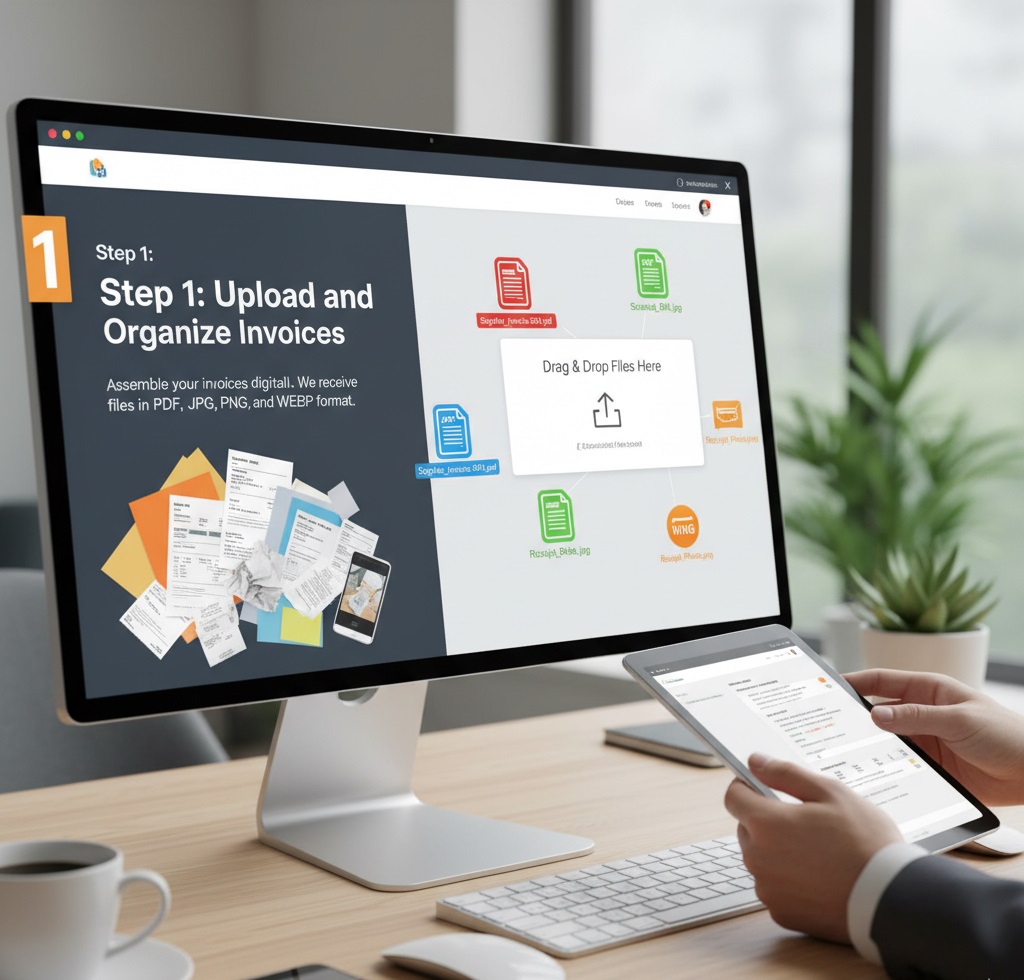
- Step 1: Upload and Organize Invoices. Step number one is assembling your invoices digitally. Our website caters to the different types of files you’re involved with, and we receive files in PDF, JPG, PNG and WEBP format. We’re dealing here with original supplier invoices in PDF, paper copies scanned in, and yes, photos of receipts.
- Step 2: Locate Your Data in an Instant. With files uploaded, telling our tool what you want it to extract is a breeze. Test the ‘Detect fields with AI’ option and watch our system instantly find and extract all of the pertinent data for you – perfect for standard bills, receipts, and reports. If you’re looking for something special or bespoke data, give ‘Define fields manually’ mode a go. This gives you the precision to click and highlight any field or table, guaranteeing you get the exact data required for your completed Excel sheet.
- Step 3: Confirm and Extract Structured Data. Within a couple of minutes, the system delivers a beautifully structured and tidy Excel sheet. All the data you requested is there, beautifully formatted in columns. With fast auditing in mind, each data row extracted in the sheet holds the name of its original file, enabling fast auditing.
- Step 4: Apply It to Your Financial Management System. Step four involves bringing the data you extracted back into your books of account. The normalized Excel output is straightforward for easy importability into most major Construction Accounting Programs. It avoids key-in of data, minimizes errors, and facilitates fast, accurate updates of books of account.
Everything of the methodology is meant for speed and convenience. We want you to give the whole flow a go on your own bills; the software offers a permanently free account up to 35 pages, so you have a risk-free opportunity of demonstrating value in automation.
How to Implement AI Scanning in AP
1. Post invoices as PDF, JPG, or PNG.
2. The system extracts all the key fields from the context.
3. Export results into Excel or your ERP.
You get formatted data with links for quick access back to the original document.
Things to Do Before the Transplant
• Information protection. Your bills should remain confidential and wiped out once processed.
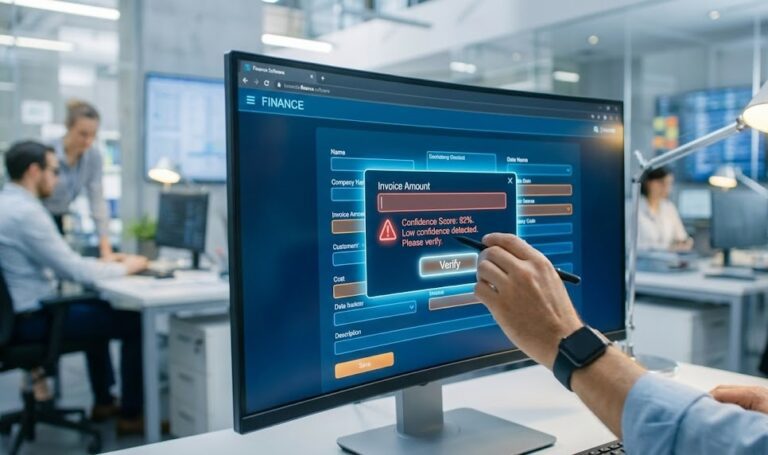
• Validation. The system should flag fields for review.
• Integration. Your data needs to flow into your accounting or ERP without manual adjustments.
• Model maturity. The AI model trained from financial papers would naturally dominate. It’s time to modernize your AP workflow. By integrating AI invoice scanning software into your accounts payable workflow, you save time and money. With precise extraction and minimal manual checks, this tool gives you consistent, reliable results.
Why Act Now
AI scanning of invoices is not future technology. It’s reducing company costs today. Streamlining the payment-processing workflow eliminates errors, reduces costs, and accelerates the AP workflow. Start a small test, and deploy it across your finance department. The faster you deploy, the faster you benefit.
Q: How does AI invoice scanning software convert invoices to Excel?
A: The software scans invoice images or PDFs, detects layout and fields (vendor, date, amounts, line items), then exports structured data in Excel format.
Q: Can AI invoice scanning software work with any invoice layout?
A: Yes. It adapts to varying supplier templates without manual templates by learning layout patterns and context.
Q: What accuracy can I expect from AI invoice scanning software?
A: A good AI solution can achieve near-100% accuracy for standard invoices, distinguishing dates, totals, and line items even in complex formats.
Q: How quickly can I process many invoices at once?
A: With batch mode, the system can handle hundreds or thousands of invoices in minutes, rather than hours or days.
Q: Does this software support international invoices and currencies?
A: Yes, top tools support multiple languages and currency formats and convert them into a unified format in your output file.
Q: How do I verify the extracted data?
A: Most tools include a verification feature showing the source filename and page number for each field, letting you cross-check easily.
Disclaimer: All comparisons in this article are based on publicly available information and our own product research as of the date of publication. Features, pricing, and capabilities may change over time.