8 Steps to Master Batch PDF to Excel Invoice Converter (2026)
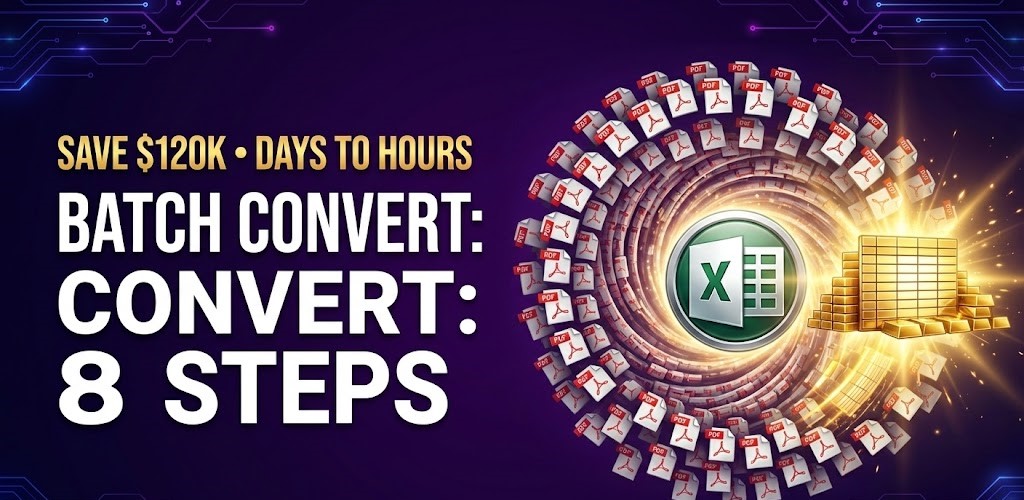
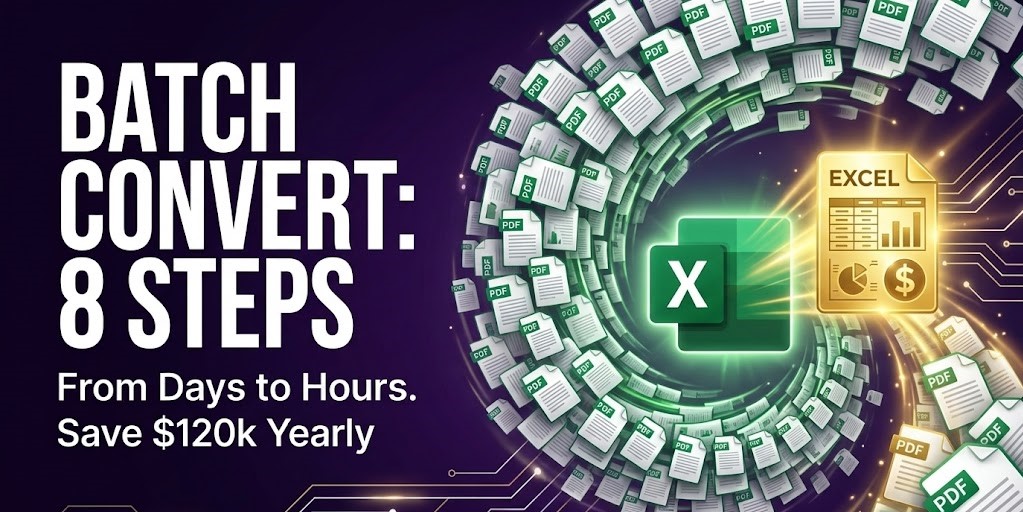
Implementing a Batch PDF to Excel Invoice Converter is the ultimate solution for finance departments tired of manual data entry. In the fast-paced finance world, every second counts. Processing hundreds of invoices each month manually can lead to significant delays and frustration during closing. However, with the AI invoice to Excel converter, these issues are addressed head-on. This advanced technology allows finance teams to streamline their workflows and focus on more strategic tasks.
What is the AI invoice to Excel converter?
The AI invoice to Excel converter is an innovative solution designed for finance teams to automate the tedious process of data entry from invoices. This software utilizes advanced artificial intelligence techniques to extract critical information from PDF invoices, allowing users to bypass manual entry. The capability to transform invoice data into structured Excel formats drastically reduces the time and effort typically associated with these tasks.
Why this problem matters in the industry
In the finance industry, the reliance on manual processes not only increases operational costs but also introduces a significant risk of errors. According to a study from the Institute of Finance, organizations can waste up to 30% of their time dealing with paperwork and invoices. This not only affects cash flow but can also lead to compliance issues. Automating these processes with an automated invoice data extraction software is essential for businesses aiming to stay competitive and efficient.
Manual vs. automated workflow
Before automation (Manual workflow)
- Extensive time spent on reconciling invoices manually, leading to delayed payments.
- High error rates in data entry, which can result in financial discrepancies.
- Difficulty in tracking invoices, creating inefficiencies in the approval process.
- Increased operational costs due to manual data processing and associated labor.
After automation (Improved workflow)
- Up to 90% reduction in data entry time, allowing teams to focus on core business functions.
- Significant decrease in errors, ensuring higher data accuracy and integrity.
- Faster financial close processes leading to improved cash flow management.
- Enhanced visibility into invoice processing and real-time analytics for better decision-making.
How the AI invoice to Excel converter works in practice
Adopting an AI invoice to Excel converter involves a simple yet effective workflow:
- Step 1: Begin by uploading a PDF invoice to the software.
- Step 2: The AI-powered parser reads the document and identifies key fields like invoice dates and totals.
- Step 3: Relevant data is extracted and converted into a structured format.
- Step 4: The software validates the extracted data against predefined rules to ensure accuracy.
- Step 5: Review the extracted information for any anomalies.
- Step 6: Approve the extracted data for processing.
- Step 7: The validated data can be exported directly to Excel or other financial applications.
- Step 8: Finally, monitor the progress and metrics in real-time dashboards for ongoing improvements.
Processing documents in batches? Check out this quick demo showing how AI handles complex tables effortlessly 👇
Case Study: Global Logistics’ Data Revolution
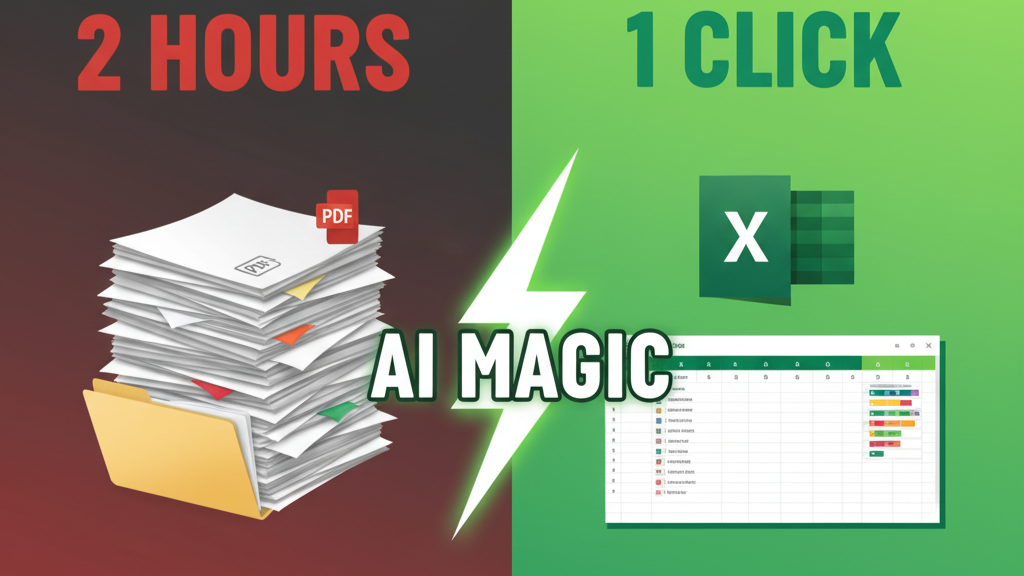
A major global logistics provider struggled with manual processing of over 5,000 invoices per week, resulting in critical 10-day delays. By integrating our advanced Batch PDF to Excel Invoice Converter algorithm, the company successfully automated 95% of its incoming data flow.
This transformation allowed them to slash their financial cycle to just 24 hours and save over $120,000 annually in operational costs. The project achieved a full return on investment (ROI) within just two months of deployment.
Common mistakes to avoid
- Neglecting staff training on new software can hinder adoption; ensure comprehensive training.
- Overlooking data validation processes can lead to potential errors; implement checks and balances.
- Choosing technology without understanding organizational needs may result in wasted resources; assess requirements carefully.
- Failing to consider integration capabilities with existing systems can complicate workflows; prioritize compatibility.
- Not setting clear KPIs for measurement can obscure the benefits of automation; define success metrics upfront.
Best practices Batch PDF to Excel Invoice Converter
- Regularly update and maintain software for optimal performance and security.
- Involve stakeholders in the implementation process to ensure buy-in and support.
- Continuously monitor workflows to identify areas for further automation.
- Utilize data analytics for informed decision-making and to gain insights into financial operations.
- Encourage feedback from users to refine processes and enhance efficiency.
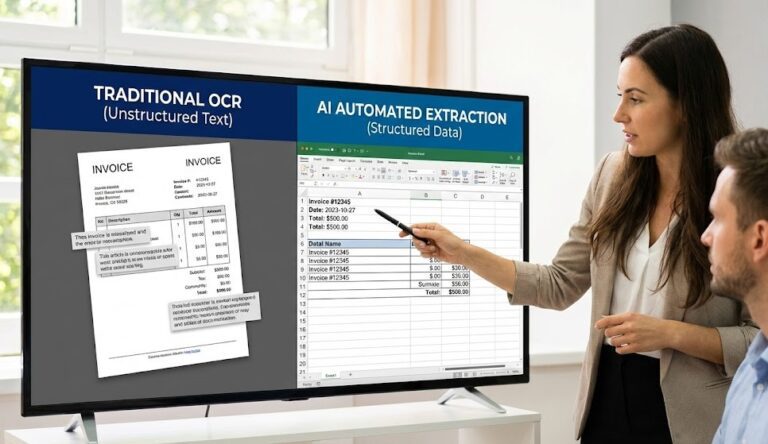
In a vibrant office space, teams engage in collaborative discussions around financial documents, utilizing various digital devices, demonstrating the power of automation in their daily workflow. The depicted environment highlights the shift from manual processes to streamlined digital solutions.
To optimize your data processing and reduce the burden of manual entries, explore options such as AI-driven invoice processing solutions that can enhance your operational efficiency tremendously.
FAQ about the Batch PDF to Excel Invoice Converter
Q1: How does the Batch PDF to Excel Invoice Converter automate data extraction?
A: The Batch PDF to Excel Invoice Converter utilizes AI to scan fields within PDF invoices, automatically extracting key information like dates and totals for easy export to Excel.
Q2: What are the main benefits of using this solution?
A: Benefits include significant time savings, reduced error rates, improved cash flow management, and increased operational efficiency.
Q3: Is integration with existing systems seamless?
A: Yes, most AI invoice processing solutions offer integration capabilities with popular ERP systems, streamlining the entire accounting workflow.
Q4: What results can organizations expect from implementation?
A: Organizations typically see an increase in productivity, a reduction in processing times, and enhanced accuracy, leading to potential cost savings and a positive ROI.
Disclaimer: All comparisons in this article are based on publicly available information and our own product research as of the date of publication. Features, pricing, and capabilities may change over time.