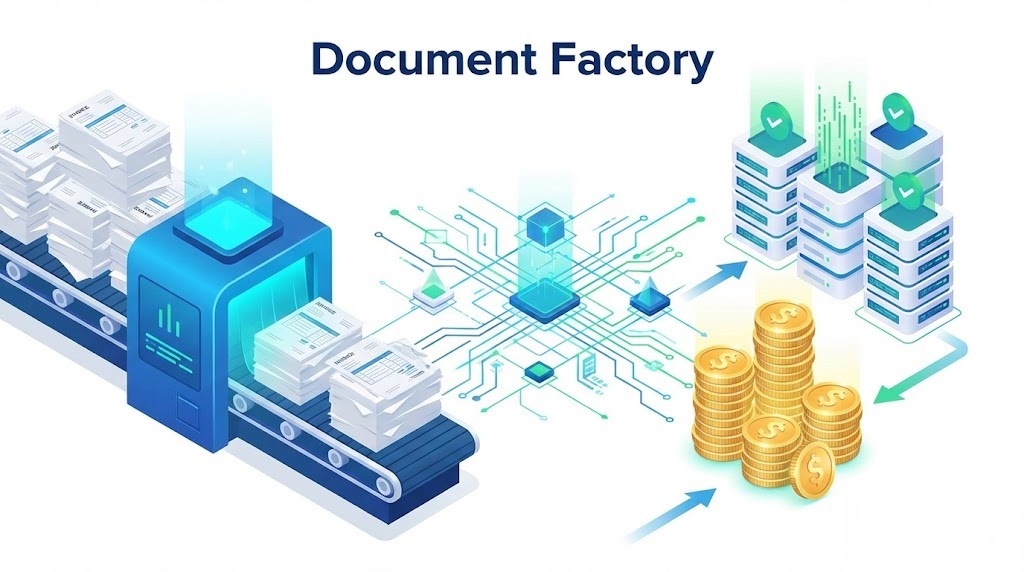
Business Document Automation Explained: The 2026 Guide to Efficiency
In 2026, the speed of business is defined by the speed of data. Yet, many organizations are still slowed down by a “paper anchor“—the manual processing of thousands of PDF invoices, contracts, and reports. If you are a finance leader looking to modernize your operations, you need a clear strategy. This guide is dedicated to business document automation explained in practical terms, stripping away the jargon to reveal the ROI beneath.
It is no longer just about scanning paper; it is about creating intelligent workflows that think for themselves. From reducing overhead to ensuring compliance, understanding business document automation explained correctly is the key to unlocking your team’s true potential.
Table of Contents
- 1. What Is Business Document Automation?
- 2. The Core Workflow: How It Works
- 3. The Business Case: ROI and Efficiency
- 4. Key Use Cases Across Departments
- 5. Technology Stack: OCR vs. IDP
- 6. Implementation Steps for Success
- 7. The Future: Hyperautomation
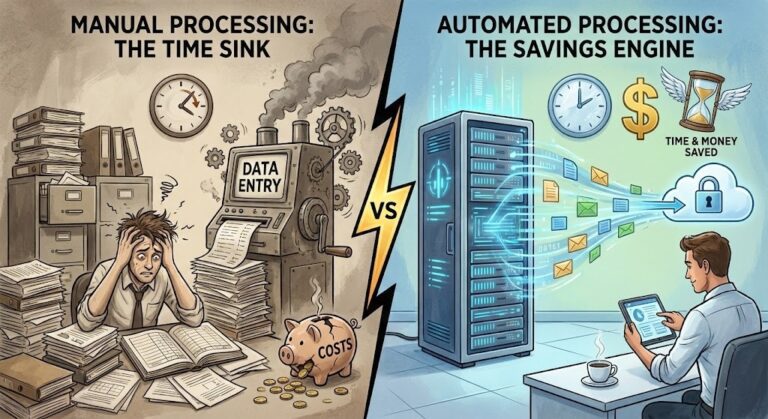
Quick Look: ROI Impact
| Metric | Manual Process | Automated Process |
|---|---|---|
| Processing Time | 10-15 minutes/doc | < 30 seconds/doc |
| Cost Per Invoice | $12 – $15 | $0.50 – $2.00 |
| Error Rate | 1% – 4% | < 0.1% (with HITL) |
1. What Is Business Document Automation?
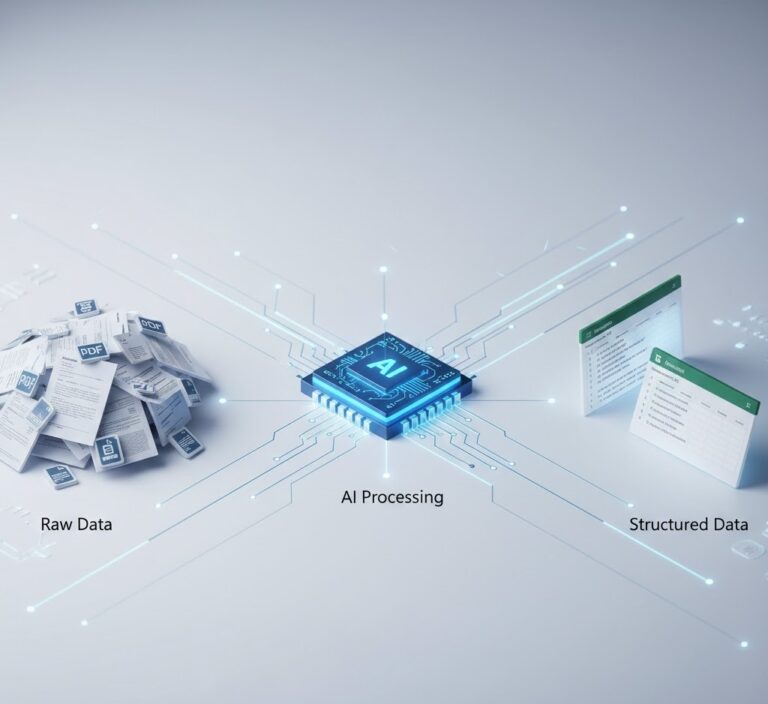
At its core, when we hear business document automation explained, we are talking about using software to create, process, and manage electronic documents with minimal human intervention. It is the bridge between unstructured files (like PDFs) and structured business systems (like ERPs).
According to Forbes, digital transformation often stalls because companies fail to automate the “boring” back-office tasks. Automation handles document ingestion, classification, data extraction, and validation automatically, allowing staff to focus on high-value cognitive work rather than data entry.
Furthermore, when having business document automation explained to stakeholders, it is crucial to emphasize the aspect of data governance. In an era of strict regulations (GDPR, CCPA), manual handling of sensitive documents is a liability. Automated systems ensure that every document touchpoint is logged, encrypted, and traceable, significantly reducing the risk of internal data leaks compared to emailing PDFs back and forth.
2. The Core Workflow: How It Works
To fully grasp the concept, visualize the lifecycle of a document. A modern automation pipeline consists of four distinct stages:
- Ingestion: Documents arrive via email, portal, or scanner.
- Classification: The AI determines if the file is an invoice, a contract, or a receipt.
- Extraction: This is the critical step where data extraction technology pulls specific fields (dates, amounts) from the page.
- Integration: The clean data is pushed via API to your database or accounting software.
3. The Business Case: ROI and Efficiency
Why invest in this? The answer lies in operational efficiency. Research by McKinsey suggests that 45% of work activities can be automated, saving trillions in wages globally.
Having business document automation explained to your CFO is easy when you highlight these benefits:
- Scalability: You can process 1,000 invoices as easily as 10.
- Accuracy: Elimination of “fat-finger” errors in spreadsheets.
- Compliance: Every action is logged, creating a perfect audit trail for legal compliance.
Beyond hard costs, consider the “Soft ROI.” Employee burnout in finance teams is real. When you have business document automation explained as a tool for reducing mundane work, it becomes a powerful retention strategy. Staff members who spend less time on manual data entry and more time on strategic analytics are happier, more productive, and significantly less likely to leave the company for a competitor.
4. Key Use Cases Across Departments
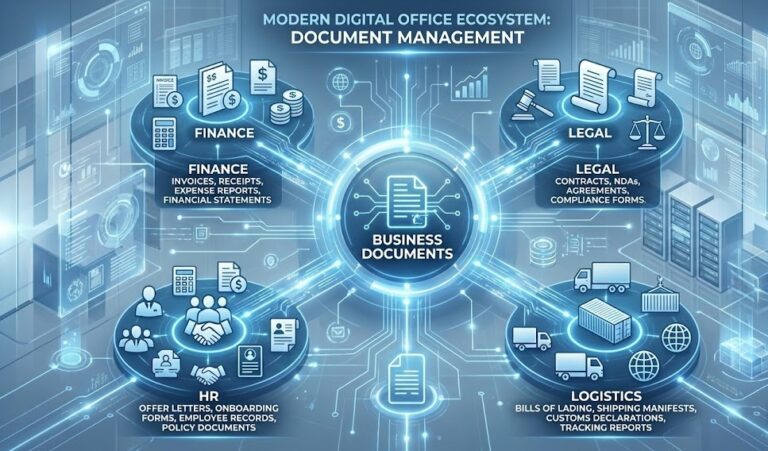
Automation is not limited to finance. It permeates the entire organization.
- Finance (AP/AR): Automating invoice processing to speed up payments and capture early-payment discounts.
- HR: Parsing resumes and employee onboarding forms to populate HRIS systems.
- Logistics: Extracting data from bills of lading and delivery notes to track inventory in real-time.
5. Technology Stack: OCR vs. IDP
A common confusion when having business document automation explained involves the technology. Is it just OCR? Not anymore.
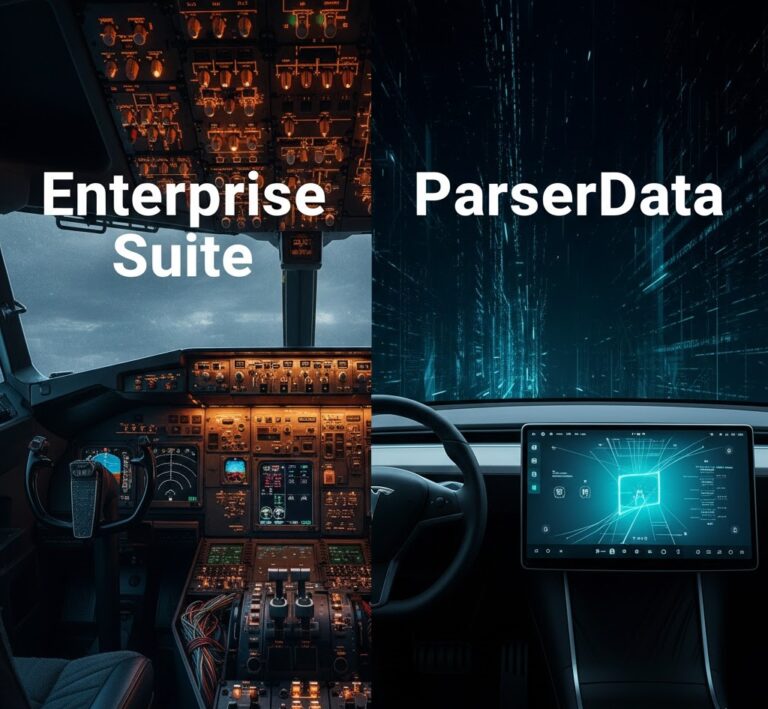
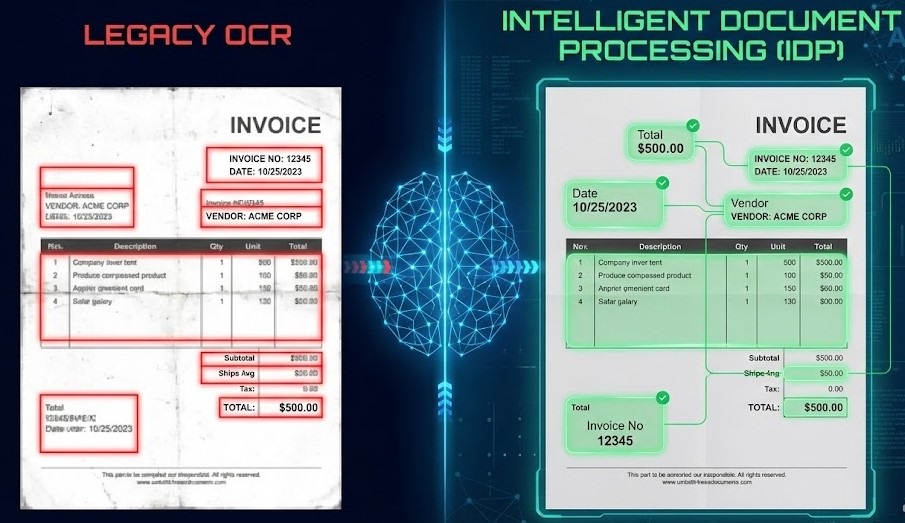
Legacy OCR (Optical Character Recognition) simply turns images into text. It is “dumb” because it doesn’t understand what the text means. Modern systems use IDP (Intelligent Document Processing). IDP combines OCR with AI/LLMs to understand context. It knows that a date near the top right is likely the “Invoice Date,” regardless of the document layout. This distinction is vital for handling variable vendor formats.
A critical distinction often missed is the difference between “Template-based” and “Cognitive” extraction. Templates are rigid; they break if a vendor moves their logo one inch to the right. Cognitive automation is fluid. By having business document automation explained through the lens of AI adaptability, you realize that modern tools can handle layout changes instantly without requiring IT to rewrite the code.
6. Implementation Steps for Success
Don’t try to boil the ocean. As detailed in our guide on automation best practices, starting small is crucial.
Step 1: Identify the bottleneck. Find the process consuming the most manual hours.
Step 2: Standardize inputs. Ensure your documents are digital (or digitized).
Step 3: Choose flexible tools. Select a platform that offers API connectivity, like ParserData.
Step 4: Build the workflow. Connect your extraction tool to your ERP using a no-code builder.
We have streamlined this for you with a pre-built n8n workflow template designed for immediate deployment.
🚀 Download Free n8n Workflow Template
7. The Future: Hyperautomation
The concept of Hyperautomation, coined by Gartner, refers to the orchestration of multiple technologies (AI, RPA, API) to automate as many business processes as possible. In 2026, having business document automation explained involves seeing it as a component of this larger ecosystem.
Companies that adopt these tools now will achieve a level of business agility that manual competitors cannot match. It is the foundation for real-time analytics and data-driven decision-making.
Generative AI (GenAI) is the next frontier. While we currently use AI to read, future systems will use it to reason. Imagine a system that not only extracts data but spots anomalies like “This price is 20% higher than last month” and drafts an email to the vendor. This represents the advanced tier of business document automation explained for forward-thinking leaders who want to stay ahead of the curve.
Conclusion
We hope this guide has succeeded in having business document automation explained clearly. It is a strategic shift from manual labor to digital intelligence. By implementing these workflows, you reduce costs, eliminate errors, and future-proof your business.
Ready to automate? Visit ParserData to start transforming your documents into data today.
Frequently Asked Questions
What is the primary benefit of business document automation?
The primary benefit is operational scaling. Automation decouples business growth from headcount growth, allowing you to process 10x more documents without hiring 10x more staff.
Does document automation replace existing employees?
No, it augments them. By removing repetitive data entry tasks, automation frees up employees to focus on high-value activities like strategic analysis and vendor relationship management.
What types of documents can be automated?
Almost any structured or semi-structured document. Common examples include invoices, purchase orders, contracts, bank statements, logistics waybills, and HR onboarding forms.
Is it difficult to integrate automation with legacy ERPs?
Not with modern tools. Using API integration or platforms like n8n, you can connect extraction software to legacy systems easily, often without needing complex custom coding.
Recommended
- What Is Data Extraction? The Complete Guide
- Explaining PDF Data Extraction: The Ultimate Technical Guide
- 10 Automation Best Practices to Scale Finance Operations
- Invoice Data Extraction API: 4 Powerful Steps
Disclaimer: All comparisons in this article are based on publicly available information and our own product research as of the date of publication. Features, pricing, and capabilities may change over time.