Explaining PDF Data Extraction: The Ultimate Technical Guide (2026)
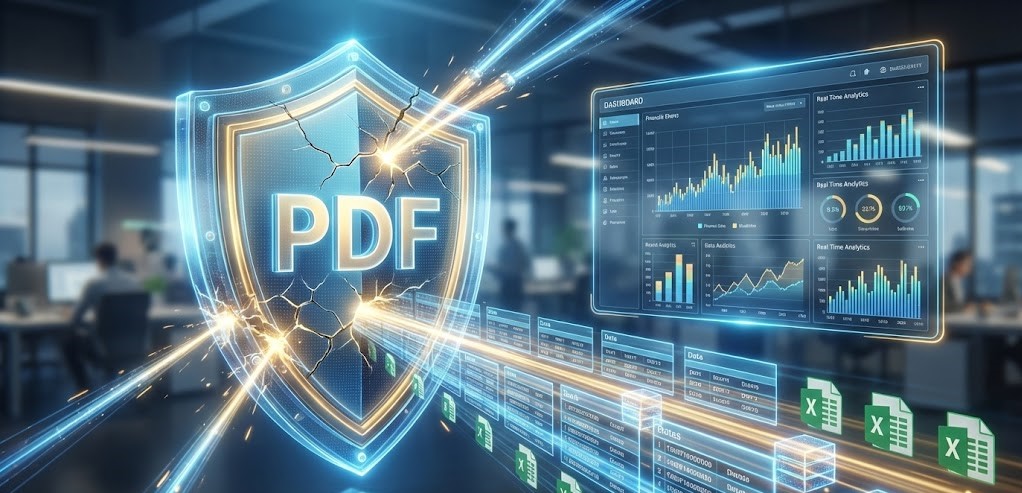
The PDF (Portable Document Format) is the global standard for business documents. It is perfect for printing, but it is a nightmare for data processing. When finance professionals ask us for help, they are often looking for someone explaining pdf data extraction in a way that solves their daily headache: getting numbers out of a “locked” document and into Excel.
Why can’t you just copy-paste? Why do tables break when you export to Word? In 2026, understanding the mechanics of extraction is crucial. This guide goes beyond the basics, explaining pdf data extraction from a technical perspective and showing you how modern AI transforms “digital paper” into actionable database rows.
Table of Contents
- 1. The PDF Paradox: Designed to be Unreadable
- 2. Evolution of Extraction Technology
- 3. How AI Extraction Works (Under the Hood)
- 4. Native vs. Scanned PDFs: A Critical Distinction
- 5. The Modern Workflow: From Upload to API
- 6. Security Implications of Extraction
- 7. Future Trends in Document Parsing
Quick Comparison: The 3 Generations
| Generation | Technology | Limitations |
|---|---|---|
| Gen 1 | Manual Entry / Copy-Paste | Slow, high error rate |
| Gen 2 | Zonal OCR / Templates | Breaks if layout changes |
| Gen 3 | AI / LLM Parsing | Requires no setup, adapts contextually |
1. The PDF Paradox: Designed to be Unreadable
To truly understand the problem, we must start by explaining pdf data extraction challenges at the file level. Created by Adobe in the 1990s, the PDF was designed to preserve layout across any device. It freezes the document.
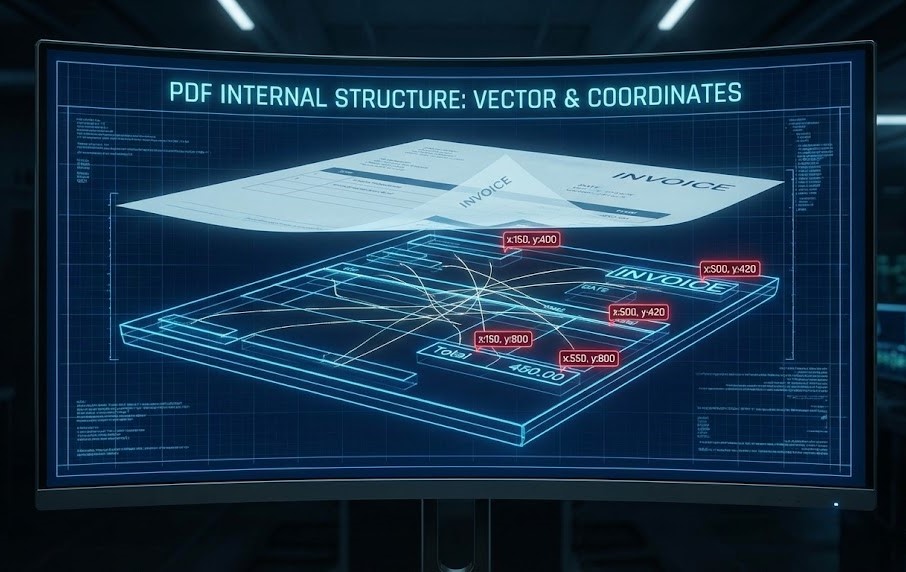
Unlike a web page (HTML), which has a structure (Header, Body, Footer), a PDF is a collection of vector graphics and absolute XY coordinates. To a computer, a table in a PDF isn’t a “table”; it’s just a set of floating lines and words positioned near each other. Extracting data means reconstructing this lost logic.
2. Evolution of Extraction Technology
When explaining pdf data extraction history, we see a shift from rigid rules to flexible intelligence.
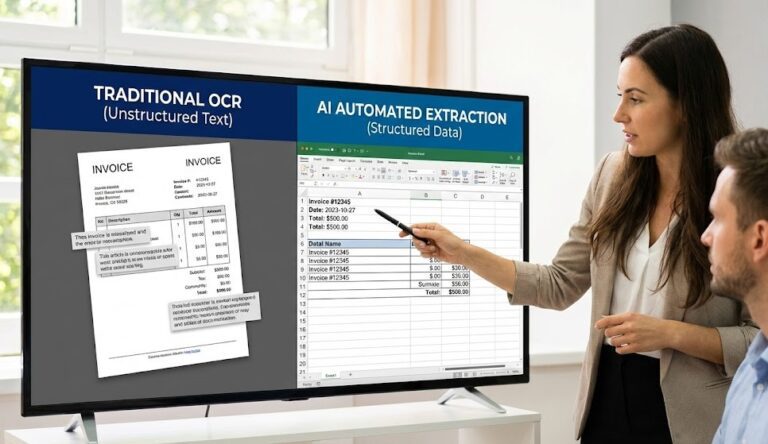
Ten years ago, developers wrote scripts using Python libraries like `PyPDF2` to scrape text. This worked for simple, native PDFs. Then came Zonal OCR, where you would draw a box around the “Total” field. However, if a vendor changed their invoice layout by even an inch, the extraction failed. This fragility led to the rise of AI-powered solutions.
3. How AI Extraction Works (Under the Hood)
Modern tools like ParserData use Large Language Models (LLMs) and Computer Vision. Instead of looking for coordinates, the AI looks for context.
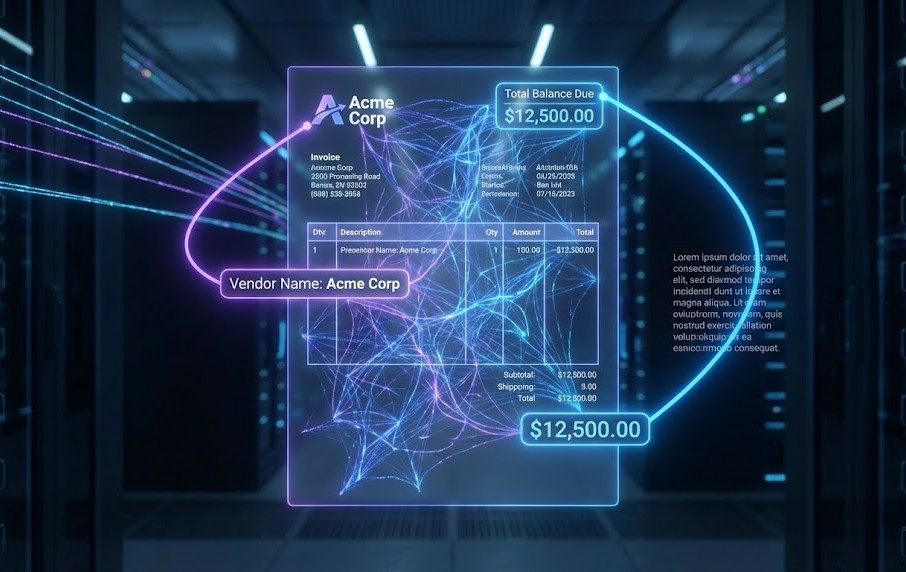
It reads the document like a human. It identifies that a number following the word “Balance Due” is likely a financial value, regardless of where it sits on the page. This capability is the key factor when explaining pdf data extraction to stakeholders who are tired of maintaining broken templates.
4. Native vs. Scanned PDFs: A Critical Distinction
Data extraction varies heavily based on the source file. According to IDC, the volume of data created globally is surging, and much of it comes in mixed formats.
- Native PDFs: These are generated by software (e.g., Word to PDF). They have a text layer that can be selected. Extraction is faster and more accurate.
- Scanned PDFs: These are essentially photos. The software must first perform OCR (Optical Character Recognition) to convert pixels into text before extraction can begin.
5. The Modern Workflow: From Upload to API
How does this look in a real business environment? When explaining pdf data extraction workflows, we focus on the “touchless” pipeline. The goal is to remove humans from the data entry loop entirely.
Here is the standard 2026 workflow using automation tools:
- Ingestion: An invoice arrives via email.
- Parsing: ParserData analyzes the file and extracts key fields (Date, Items, Tax).
- Validation: The AI checks confidence scores (Human-in-the-Loop).
- Export: The clean structured data is sent via API to your ERP.
You can set this up effortlessly using no-code platforms. We have created a workflow template for n8n to get you started immediately.
🚀 Download Free n8n Workflow Template
6. Security Implications of Extraction
You cannot finish explaining pdf data extraction without addressing security. Financial documents contain sensitive data (PII). Sending these documents to free online converters is a massive risk.
Enterprise-grade extraction tools use TLS 1.3 encryption and do not use your data to train public models.
7. Future Trends in Document Parsing
The future lies in multimodal extraction. AI is learning to understand not just text, but charts, graphs, and handwriting within PDFs. As Zapier reports, the integration of AI into everyday workflows is accelerating, making manual data entry obsolete.
Conclusion
We hope this guide succeeded in explaining pdf data extraction as a vital technology for modern finance. It is no longer just about “reading text”; it is about understanding business intent. By moving from manual entry to AI-driven extraction, you free your team to focus on analysis rather than typing.
Ready to unlock your documents? Try ParserData today and experience the next generation of extraction technology.
Frequently Asked Questions
Why is extracting data from PDF so difficult?
PDFs are designed for display, not data storage. They lack a structured hierarchy (DOM). The computer sees words as absolute XY coordinates rather than sentences or tables, making logical extraction hard without AI.
Does PDF data extraction require coding?
Not anymore. While traditional methods used Python libraries, modern tools like ParserData offer no-code interfaces where AI automatically detects fields without you writing a single script.
What is the difference between native PDF and scanned PDF?
A native PDF is generated digitally and contains selectable text layers. A scanned PDF is just an image (a photo of a document). Scanned PDFs require OCR technology to convert pixels into text before data can be extracted.
Is AI extraction more expensive than manual entry?
No. While there is a software cost, AI is significantly cheaper when you factor in the speed (seconds vs. minutes) and the elimination of costly human errors that lead to financial penalties.
How accurate is automated PDF extraction?
Modern AI solutions achieve 98-99% accuracy on standard financial documents like invoices. For poor quality scans, “Human-in-the-Loop” features allow users to verify uncertain data, ensuring 100% data integrity.
Recommended
- What Is Data Extraction? The Complete Guide
- 10 Automation Best Practices for Finance
- How to Extract Data from PDFs: 5 Efficient Ways
- 8 Steps to Master Batch PDF to Excel Converter
Disclaimer: All comparisons in this article are based on publicly available information and our own product research as of the date of publication. Features, pricing, and capabilities may change over time.