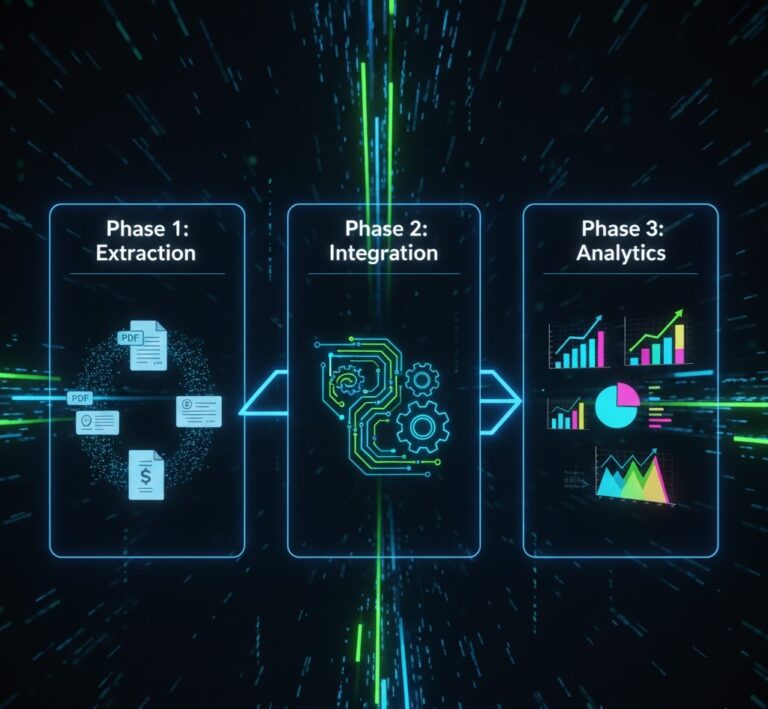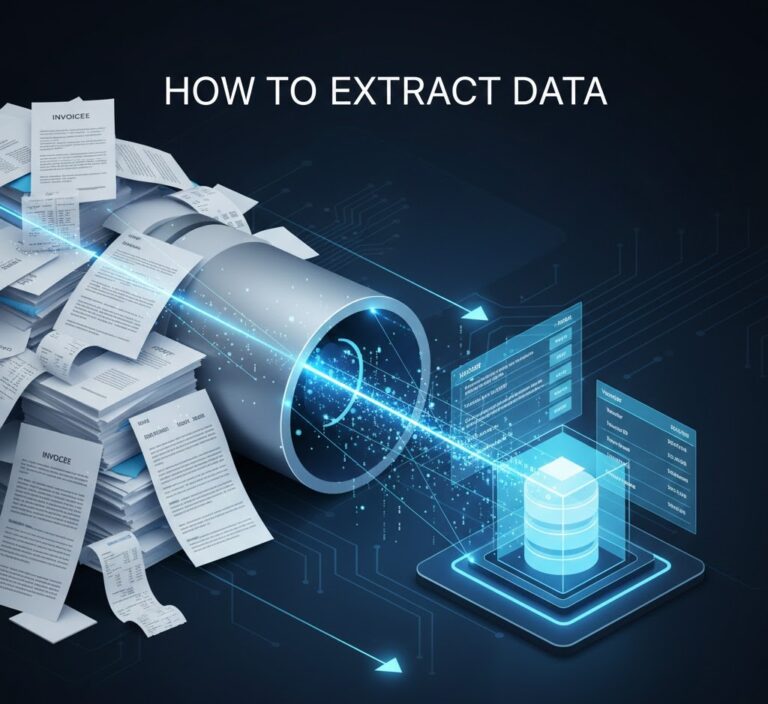
Invoice Data Extraction API: 4 Powerful Steps to Master in 2026
In the tax-paced world of logistics and finance, manual data entry is a silent profit killer. Integrating a robust Invoice Data Extraction API is the fastest way to scale. If your business handles hundreds of invoices, receipts, or shipping documents weekly, integrating the Parserdata API is no longer a luxury—it is a strategic necessity.
This guide explores how to transform chaotic document workflows into a streamlined, automated data pipeline in just a few days.
Why Legacy Methods Are Costing You Money
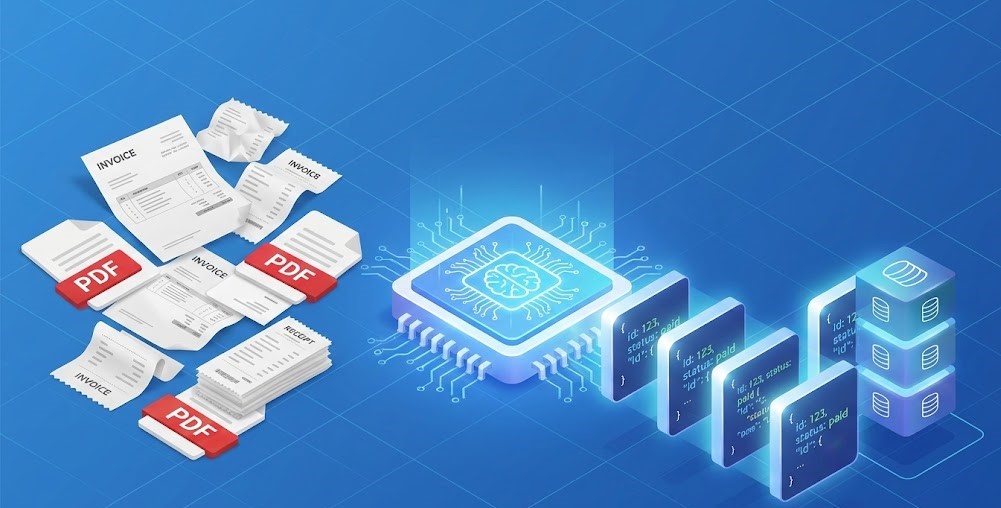
Most firms still rely on manual typing or rigid, template-based Optical Character Recognition (OCR). In 2026, these methods fail to handle the non-standardized forms common in global supply chains.
Technology Comparison: Manual vs. OCR vs. AI API
| Feature | Manual Entry | Legacy OCR | Parserdata API (AI) |
| Accuracy | 70-80% (Human error) | 60-70% (Template dependent) | 99% (Context-aware AI) |
| Speed | Hours / Days | Minutes | Milliseconds |
| Complex Fields | Yes, but slow | No (Requires fixed layouts) | Yes (Auto-detects any field) |
| Scalability | Expensive to scale | Moderate | Unlimited & Instant |
Start your journey with our Invoice Data Extraction API today.
How to Master Invoice Data Extraction API Implementation in 4 Steps
Our Invoice Data Extraction API provides contextual intelligence
How to Implement the Invoice Data Extraction API in Just 4 Days
Transitioning to automated extraction is designed to be developer-friendly and rapid:
- Day 1: Connect & Authenticate. Register on the Parserdata API page to get your unique API keys and access the documentation.
- Day 2: Test with Real Documents. Run a batch of 10–20 historical invoices to see how the “Auto-Detect” engine handles your specific vendor layouts.
- Day 3: Map Your Fields. Use our no-code interface to define which fields (PO numbers, due dates, line items) your system needs to receive.
- Day 4: Live Integration. Set up webhooks or direct API calls from your existing software to begin processing documents in real-time.
Before you build your extraction workflow, see how a single API call can replace months of custom OCR development 👇
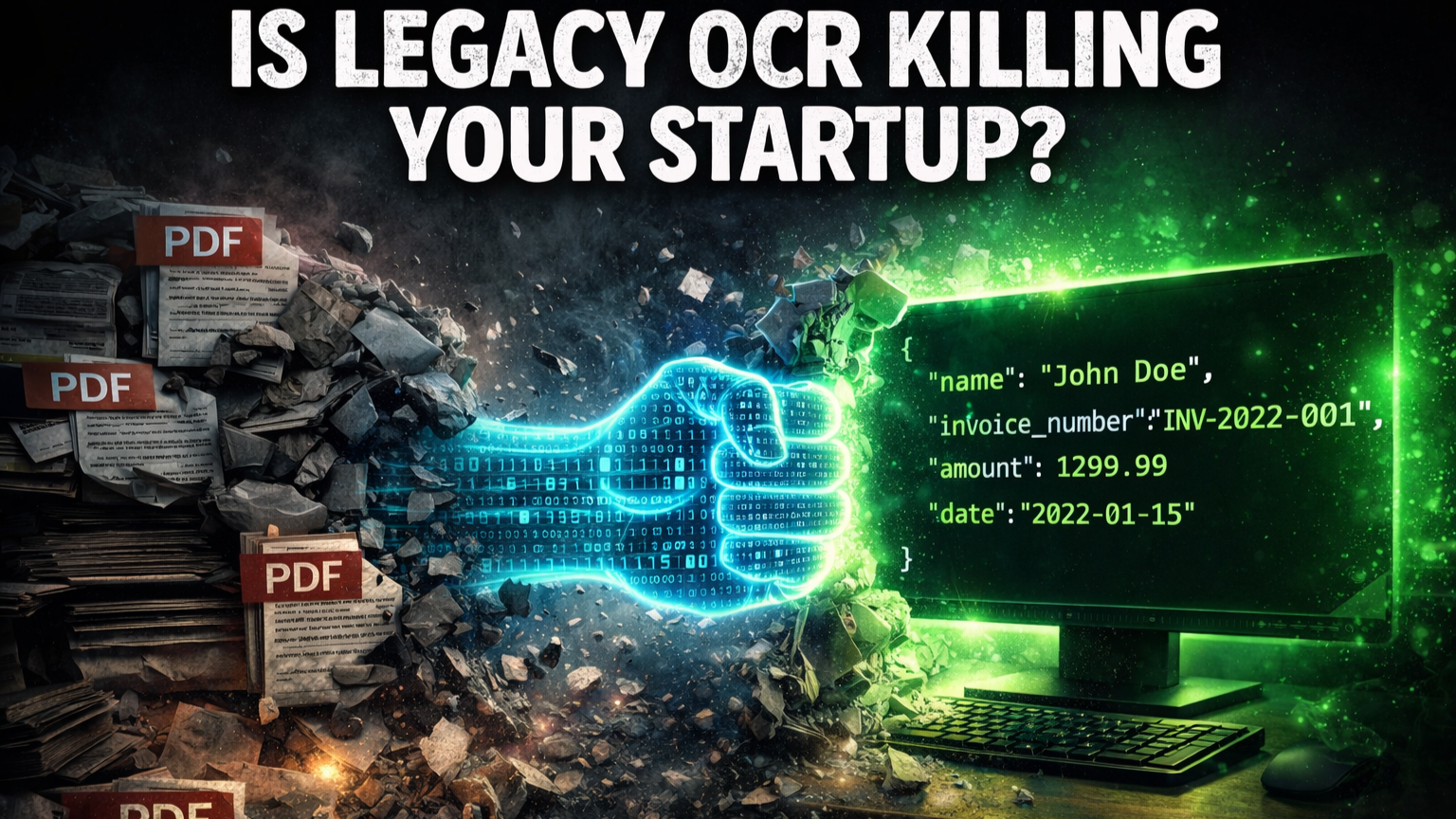
Technical Preview: Sample API JSON Response
Below is an example of the structured data your system receives after processing a standard logistics invoice. Our AI automatically extracts headers, tax IDs, and granular line items:
{
  "status": "success",
  "document_type": "Logistics Invoice",
  "data": {
    "header": {
      "vendor_name": "Global Freight Solutions",
      "invoice_number": "INV-2026-9981",
      "date": "2026-01-14",
      "currency": "USD",
      "total_amount": 1250.50,
      "tax_id": "US123456789"
    },
    "line_items": [
      {
        "description": "Standard Container Shipping",
        "quantity": 1,
        "rate": 1000.00,
        "total": 1000.00
      },
      {
        "description": "Fuel Surcharge",
        "quantity": 1,
        "rate": 250.50,
        "total": 250.50
      }
    ],
    "confidence_score": 0.99
  }
}
FAQ: Scaling with Invoice Data Extraction API
What file formats does the API support?
Our system handles mixed formats, including native PDFs, scanned paper copies, and even smartphone photos of receipts (JPG, PNG, WEBP).
How secure is our financial data?
We use bank-level encryption (AES-256) and comply with global data privacy standards, ensuring your sensitive financial information is never compromised.
Does the API require custom code for every new invoice layout?
No. Our AI is pre-trained on millions of documents. It uses a no-code approach to field detection, meaning you don’t need to build new templates for new vendors.
Can I see a broader guide on AI in finance?
Absolutely. We recommend exploring our AI-powered data extraction guide to understand the underlying technology that powers our API.
Conclusion: Invest in Speed, Not Paperwork
Retaining “business-as-usual” manual procedures is a direct threat to your firm’s scalability. Integrating the Parserdata API transforms your accounts payable from a back-office cost center into a strategic asset.
Disclaimer: All comparisons in this article are based on publicly available information and our own product research as of the date of publication. Features, pricing, and capabilities may change over time.