How to Automate Data Extraction: The Complete 5-Step Guide (2026)
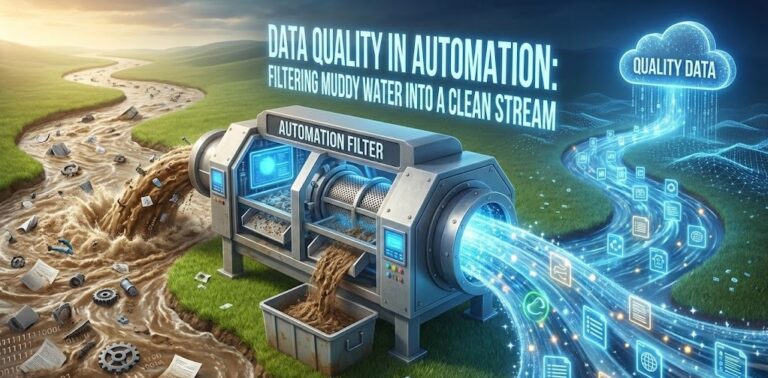
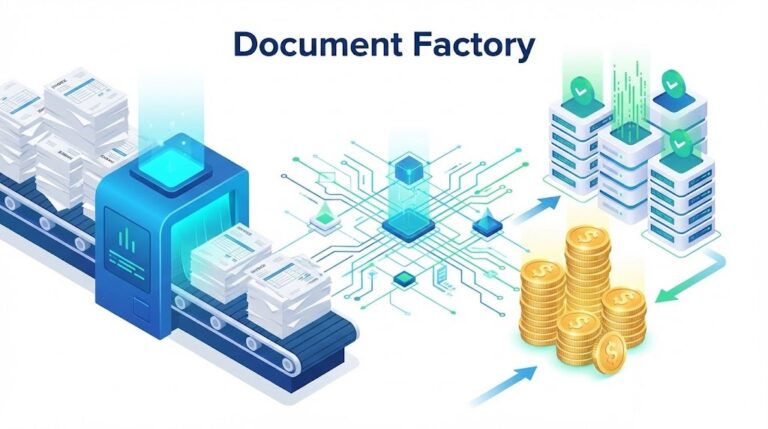
If your team is still manually typing data from PDFs into Excel in 2026, you are not just wasting time you are burning money. The modern business landscape demands speed and accuracy that human fingers simply cannot provide. The solution is clear, but the implementation often confuses people. This guide focuses specifically on how to automate data extraction efficiently, moving you from manual chaos to a streamlined digital pipeline.
Whether you are a finance manager drowning in invoices or a developer looking to optimize workflows, learning how to automate data extraction is the single highest-ROI skill you can master this year. We will break this down into actionable steps, supported by the latest tools and best practices.
Table of Contents
- 1. Why Automation is Mandatory, Not Optional
- 2. Step 1: Identifying Your Data Sources
- 3. Step 2: Choosing the Right Technology (OCR vs AI)
- 4. Step 3: Building the Pipeline (No-Code)
- 5. Step 4: Validation and “Human-in-the-Loop”
- 6. Step 5: Exporting to Destinations
- 7. Real-World Example: Invoice to Google Sheets
Quick Comparison: Manual vs. Automated
| Feature | Manual Entry | Automated Extraction |
|---|---|---|
| Speed | 10 mins/doc | < 30 seconds/doc |
| Cost | High (Salaries) | Low (Software subscription) |
| Scalability | Limited by staff | Infinite (Cloud-based) |
1. Why Automation is Mandatory, Not Optional
Before diving into how to automate data extraction, it is crucial to understand the cost of inaction. Gartner predicts that by 2026, hyperautomation will be a condition of survival for modern businesses. Manual entry is prone to error rates of 1-4%, which in finance creates significant compliance risks.
Automation ensures data integrity and frees your team to perform analysis rather than transcription. It transforms your department from a cost center into a strategic asset.
2. Step 1: Identifying Your Data Sources
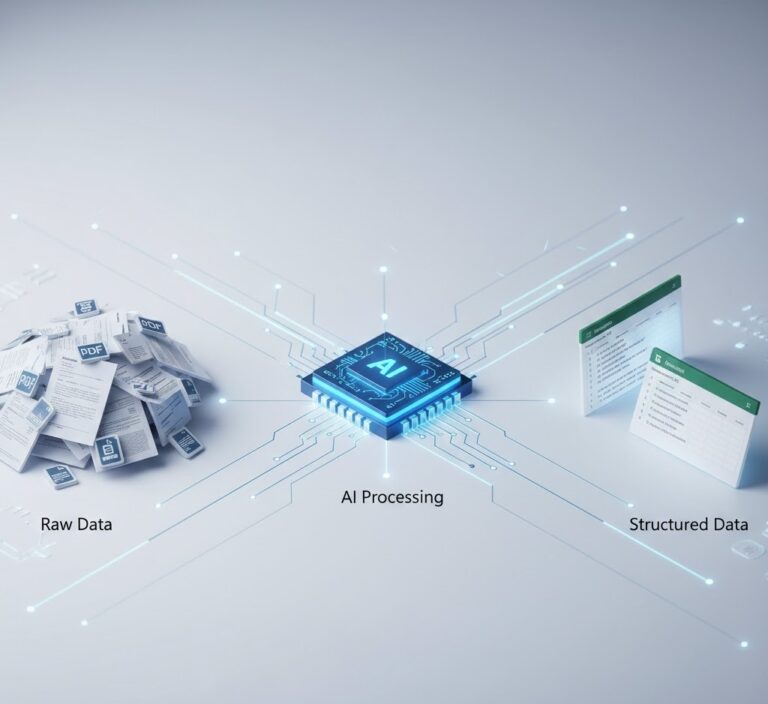
The first step in learning how to automate data extraction is a comprehensive audit. Where is your data coming from? Most business data is unstructured.
- Email Attachments: PDF invoices, purchase orders.
- Scanned Documents: Paper receipts, legacy contracts.
- Digital Files: CSVs from bank portals, reports from CRMs.
According to IBM, 80% of enterprise data is unstructured data. Your goal is to funnel all these disparate sources into a single ingestion point, such as a dedicated Google Drive folder or an email forwarding address.
3. Step 2: Choosing the Right Technology (OCR vs AI)
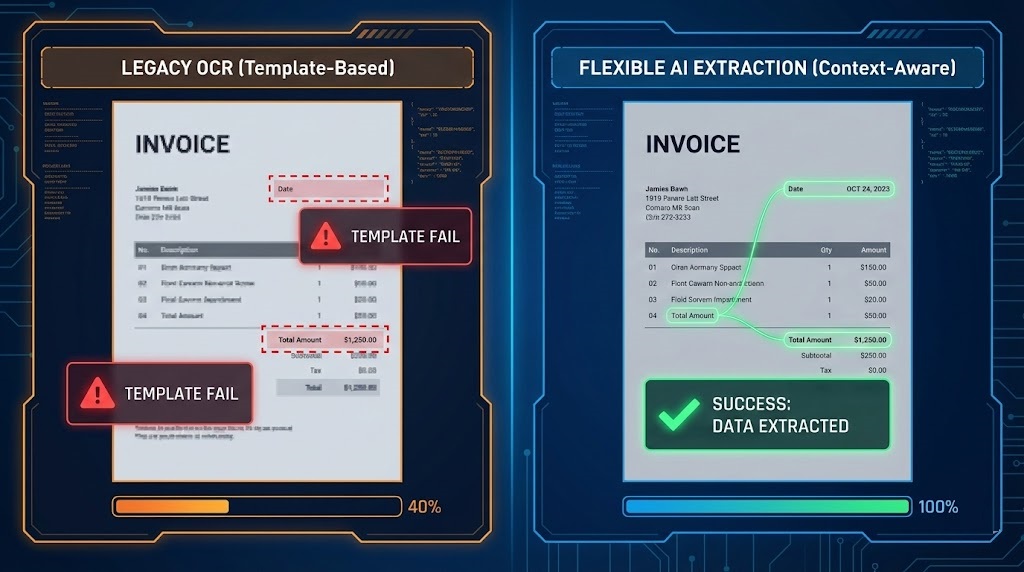
This is where many fail. They try to use simple regex scripts or legacy OCR. When asking how to automate data extraction for complex documents, you need Contextual AI.
Legacy OCR (Optical Character Recognition) reads text but doesn’t understand it. AI, on the other hand, understands that “Total: $500” is a financial value. For a deeper dive into this distinction, read our article on explaining PDF data extraction. Choose a tool like ParserData that leverages LLMs to adapt to changing layouts without constant template maintenance.
4. Step 3: Building the Pipeline (No-Code)
You do not need to be a developer. The modern approach to how to automate data extraction involves using “glue” platforms like n8n, Zapier, or Make. These tools act as a bridge.
Your pipeline should look like this:
- Trigger: New email arrives with attachment.
- Action 1: Send attachment to ParserData API.
- Action 2: ParserData extracts JSON data.
- Action 3: Save JSON data to Google Sheets/Excel.
This API-first approach ensures real-time synchronization.
5. Step 4: Validation and “Human-in-the-Loop”
Trust, but verify. Even the best AI can struggle with a coffee-stained receipt. A critical part of understanding how to automate data extraction responsibly is implementing a “Human-in-the-Loop” (HITL) step.
Configure your workflow to check the confidence score. If the AI is 99% sure, process it automatically. If it is only 80% sure, route it to a Slack channel for a human to click “Approve.” This balances speed with 100% accuracy.
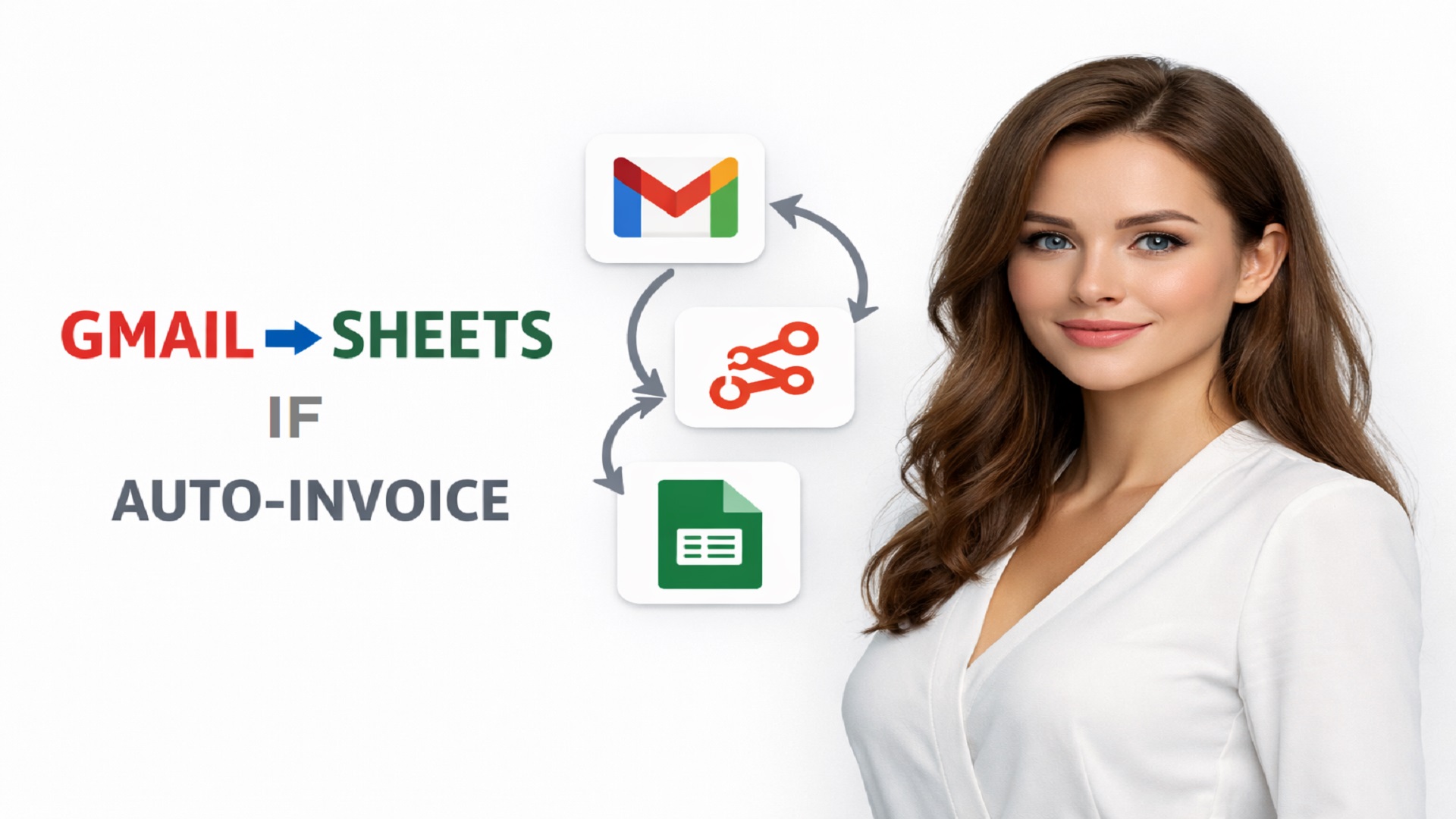
Let’s build a real workflow. Watch this step-by-step guide on sending invoices from Gmail straight to Google Sheets 👇
6. Step 5: Exporting to Destinations
Extracted data is useless if it sits in a vacuum. The final step in how to automate data extraction is mapping the output to your ERP or database.
Ensure your data types match. Dates should be standardized (YYYY-MM-DD), and currency symbols removed. Tools like n8n allow you to transform data “in flight” before it hits your clean database. This is a core concept of ETL pipelines.
7. Real-World Example: Invoice to Google Sheets
Let’s put theory into practice. We have designed a ready-to-use workflow that demonstrates exactly how to automate data extraction from a PDF invoice directly into a Google Sheet row.
This workflow handles the ingestion, extraction, and formatting for you. You can clone it and start saving time immediately.
🚀 Download Free n8n Workflow Template
Conclusion
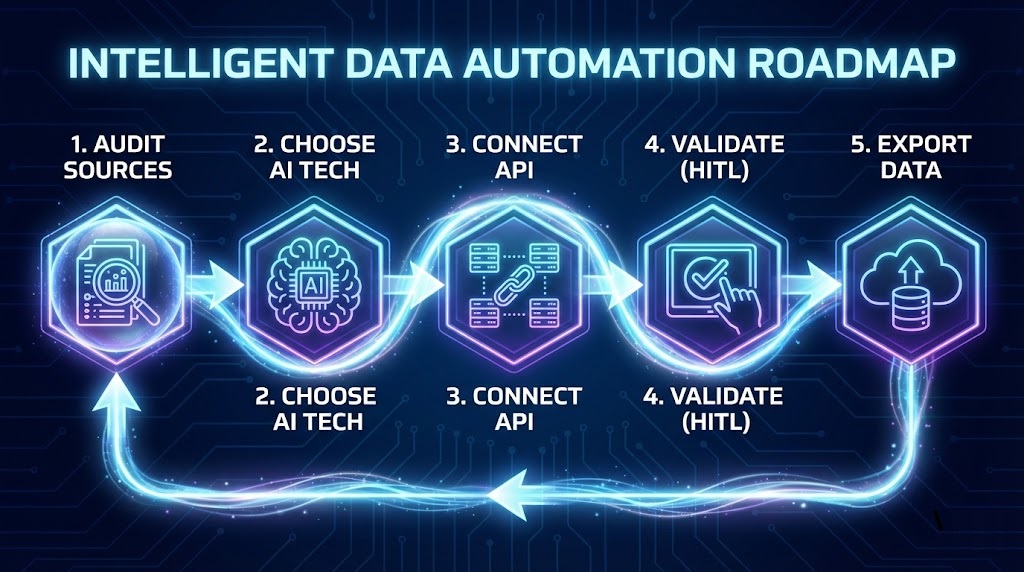
Learning how to automate data extraction is a journey from manual drudgery to automated efficiency. By following these 5 steps – Audit, Choose, Connect, Validate, Export you build a system that scales with your business. In 2026, automation is the key to unlocking operational agility.
Ready to start? Sign up for ParserData and build your first automated pipeline today.
Frequently Asked Questions
Do I need coding skills to automate data extraction?
No. Modern tools are designed for “Citizen Developers“. Using no-code platforms like n8n or Make, you can build complex extraction pipelines using a visual drag-and-drop interface.
What is the best tool to automate data extraction from PDFs?
The best tool depends on complexity. For variable layouts (like vendor invoices), AI-powered tools like ParserData are superior to legacy OCR because they understand context without rigid templates.
How much time does automation save?
On average, automation reduces processing time by 90%. A manual entry task that takes 10 minutes can be completed by an automated workflow in under 30 seconds.
Can I automate extraction from emails?
Yes. Most workflows start with an “Email Trigger“. The system watches your inbox for attachments, automatically sends them to the parser, and saves the data, so you never have to open the file.
Is automated extraction accurate enough for finance?
Yes, AI extraction achieves 98%+ accuracy. For 100% certainty, you can implement a “Human-in-the-Loop” step where the system asks for approval only if confidence falls below a certain threshold.
Recommended
- What Is Data Extraction? The Complete Guide
- Business Document Automation Explained: The 2026 Guide
- 10 Automation Best Practices to Scale Finance Operations
- 5 Reasons Why Use API for Data Integration
Disclaimer: All comparisons in this article are based on publicly available information and our own product research as of the date of publication. Features, pricing, and capabilities may change over time.